NWZ-E435F / E436F / E438F.GB. 4-109-569-11 (1)
19
19
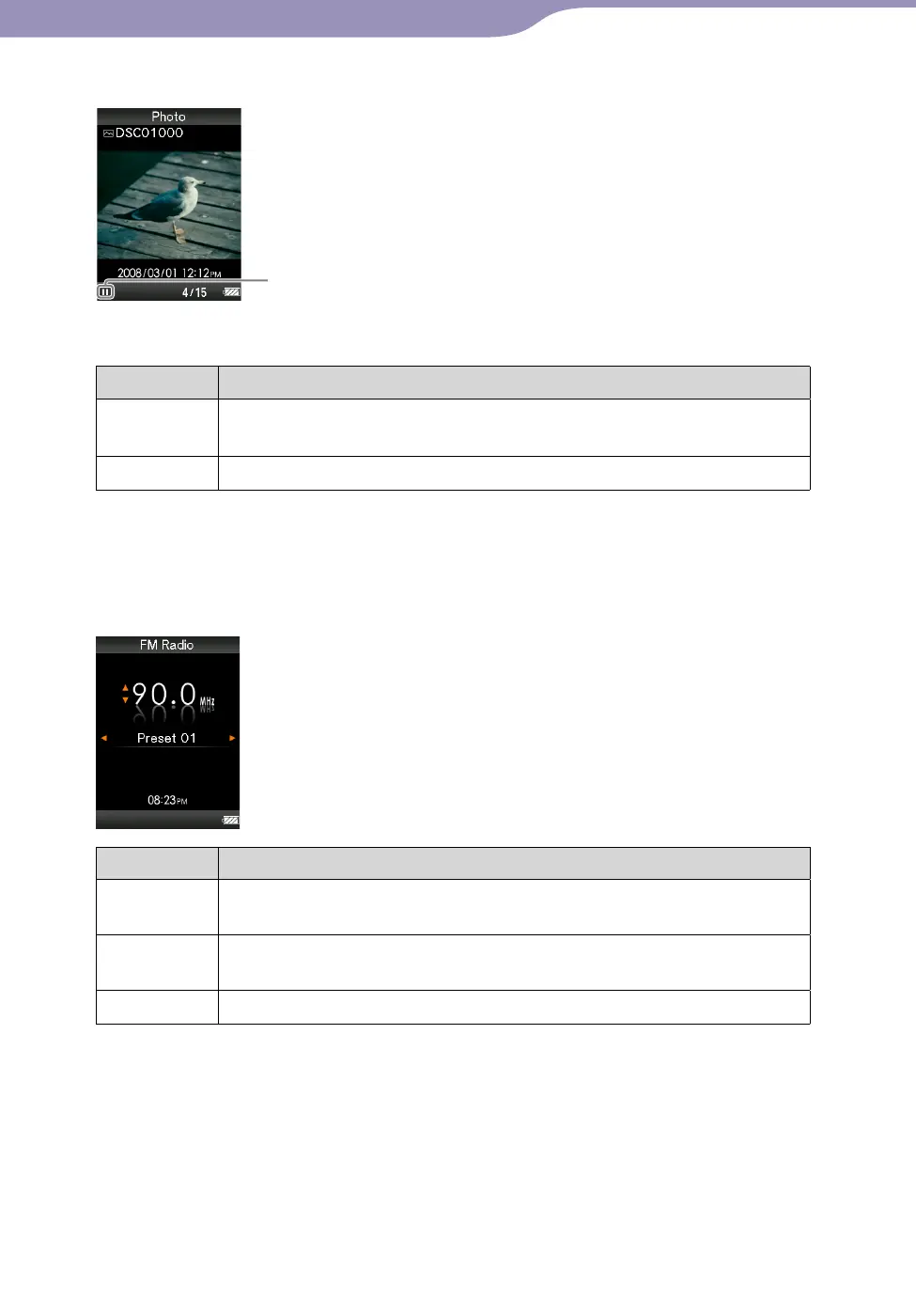
Photo
Playing status
When you change the display orientation to horizontal, the /// button
orientation and functions will also be changed.
Buttons Description
appears on the display and a slide show starts. If the
button is pressed again, appears and playback pauses.*
1
/
Displays the previous or next photo.
*
1
When playing songs while a slide show is paused, the screen goes dark if there is no
operation for more than 30 seconds (
page 75). When the song playback and a slide
show accompanying it are paused, and there is no operation for more than 3 minutes,
the screen turns off and the player enters standby mode.
FM
Buttons Description
Plays or pauses*
1
FM radio. Presets by pressing and holding the
selected frequency.
/
Selects frequencies. Selects the next receivable broadcast station by
pressing and holding.
/
Selects the preset.
*
1
If there is no operation for more than 3 minutes while FM is paused, the screen turns off
and the player enters the standby mode.
Continued










 To Next Page