NWZ-E435F / E436F / E438F.GB. 4-109-569-11 (1)
Playing Photos
60
60
Playing a Slide Show
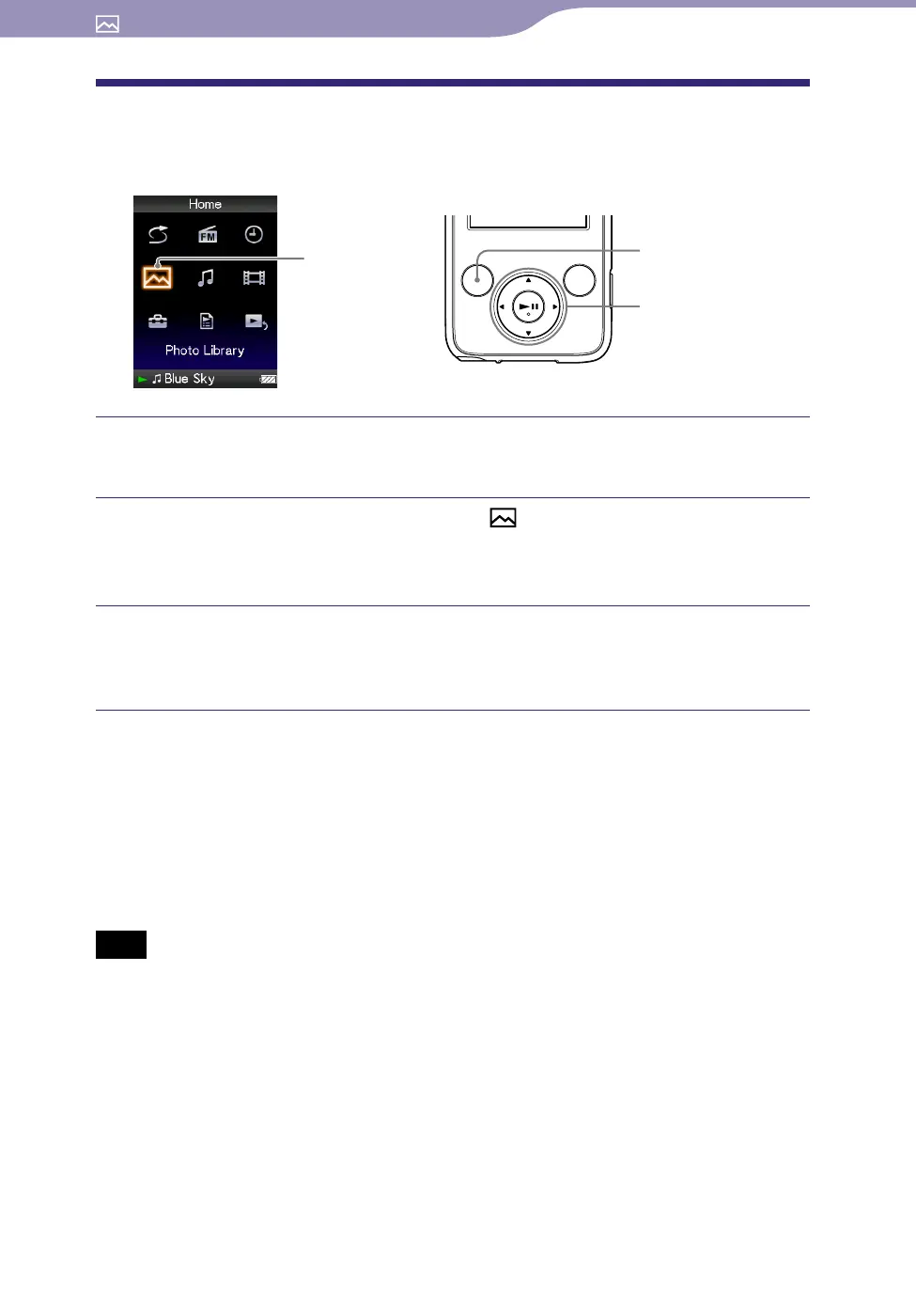
You can display photos in a selected folder continuously.
Photo Library
5-way button
BACK/HOME
button
Press and hold the BACK/HOME button until the Home menu
appears.
Press the /// button to select (Photo Library), and then
press the
button to conrm.
The list of photo folders appears.
Press the /// button to select a photo folder, and then press
and hold the
button.
A slide show starts.
Hint
You can start playback of a slide show by any of the following operations:
Press and hold the button in the photo list.
Press the button on the “Now Playing” screen of the photo.
Press the OPTION/PWR OFF button on the photo folder list, or a photo list, and then
s
elect “Begin slide show” from the option menu.
Note
The screen does not turn off automatically or change to a screensaver (
page 75) while
a slide show is playing.










 To Next Page