NWZ-E435F / E436F / E438F.GB. 4-109-569-11 (1)
22
22
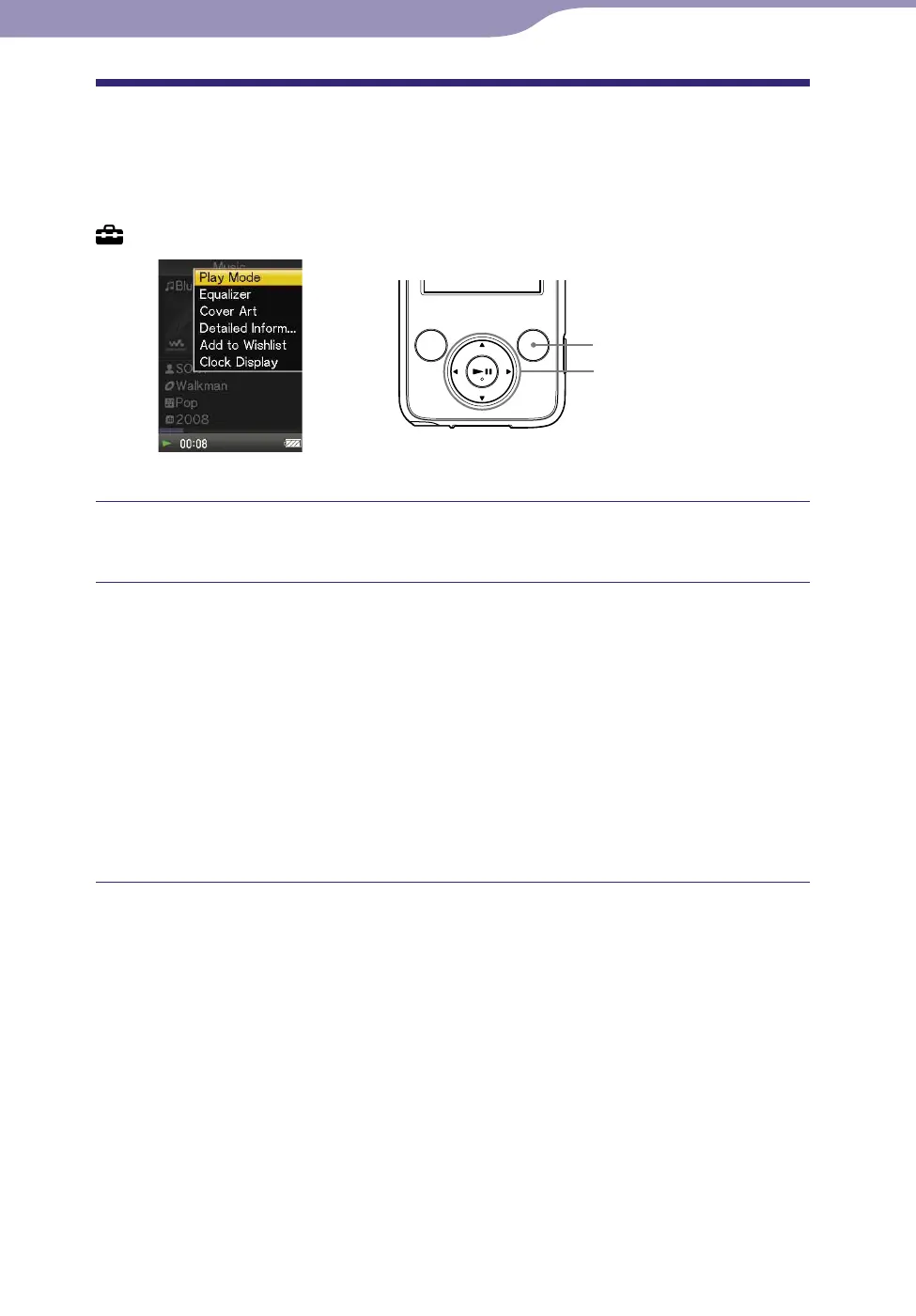
Using the OPTION Button
You can change various settings of each function when you press the OPTION/
PWR OFF button. The OPTION/PWR OFF button is useful since you can
display the setting screen immediately without selecting setting items from the
(Settings) menu of the Home menu.
5-way button
OPTION/PWR OFF button
Press the OPTION/PWR OFF button.
The option menu appears.
Press the /// button to select the item, and then press the
button to conrm.
The screen of the selected setting item appears or the selected command is
performed. The items of the option menu differ, depending on the screen
o
n w
hich you press the OPTION/PWR OFF button.
For details, see the following pages.
“Displaying the Music Option Menu” (
page 39)
“Displaying the Video Option Menu” (
page 54)
“Displaying the Photo Option Menu” (
page 64)
“Displaying the FM Tuner Option Menu” (
page 72)










 To Next Page