NWZ-E435F / E436F / E438F.GB. 4-109-569-11 (1)
Common Settings
76
76
Adjusting the Brightness of the Screen
(Brightness)
You can set the display brightness to one of 5 levels.
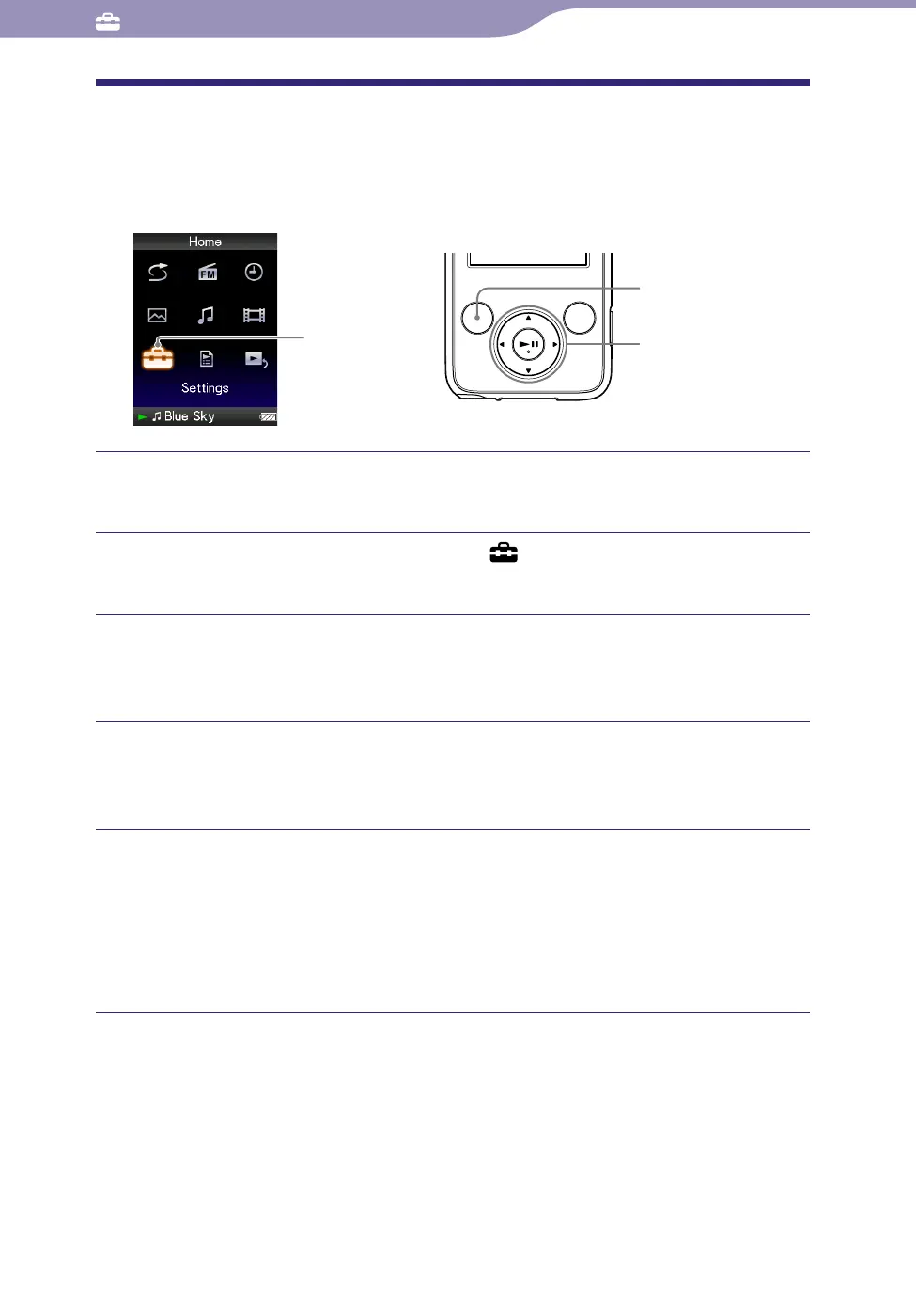
Settings
5-way button
BACK/HOME
button
Press and hold the BACK/HOME button until the Home menu
appears.
Press the /// button to select (Settings), and then press
the button to conrm.
Press the /// button to select “Common Settings,” and then
press the button to conrm.
The list of “Common Settings” appears.
Press the /// button to select “Brightness,” and then press the
button to conrm.
The brightness adjustment screen appears.
Press the /// button to select a level, and then press the
button to conrm.
“3” is set by default.
After you have adjusted the setting level, be sure to press the button to
confirm. If you press the BACK/HOME button before you confirm, the
setting will be canceled.
Hints
You can adjust the brightness of the screen while you are playing a video or photo. Press
the OPTION/PWR OFF button, and then select “Brightness” from the option menu.
If y
ou adjust the brightness of the screen to a lower level, the battery will last longer (
page 87).










 To Next Page