NWZ-E435F / E436F / E438F.GB. 4-109-569-11 (1)
Playing Music
37
37
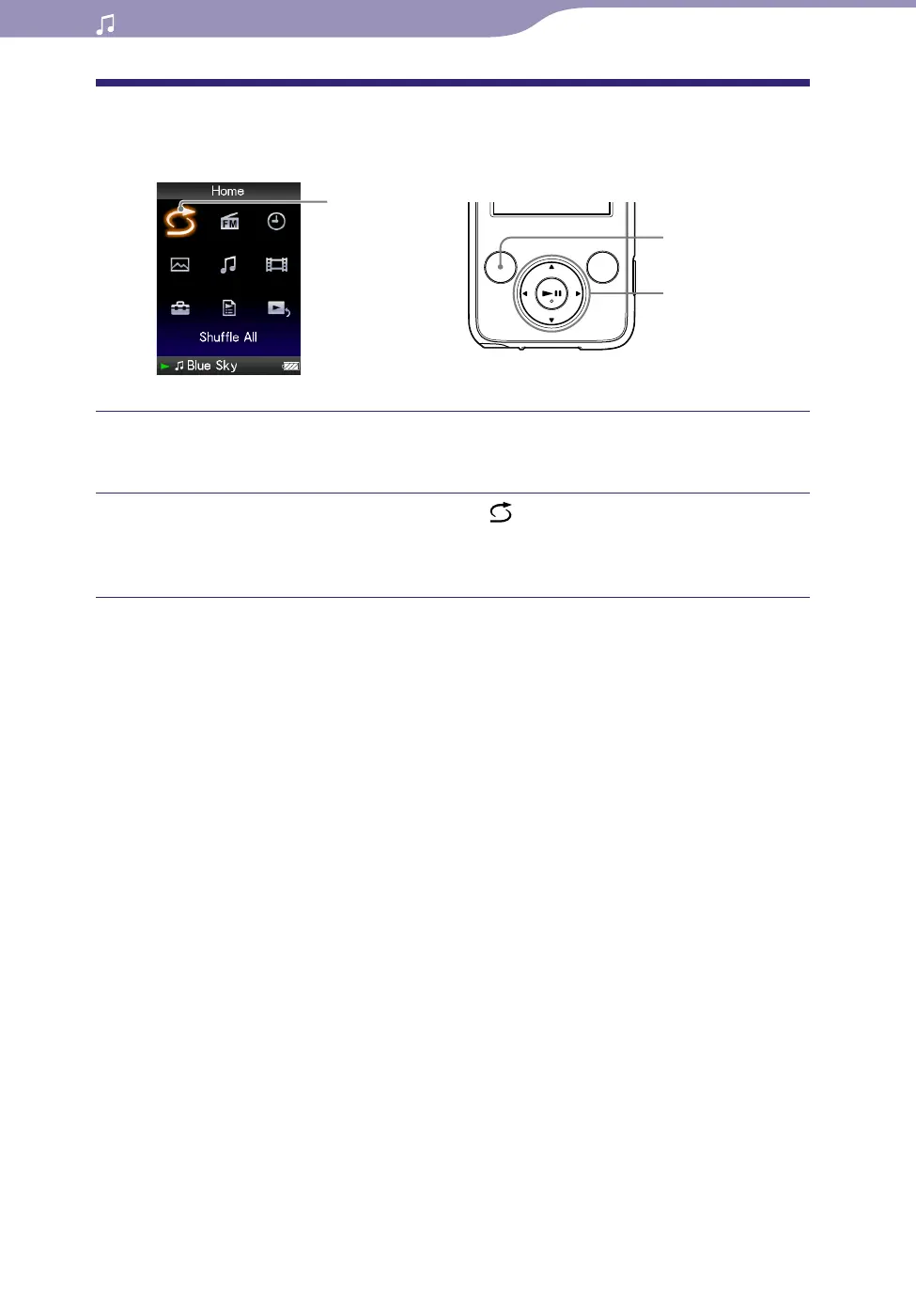
Playing All Songs in Random Order
All the songs stored on the player are played in random order.
Shue All
5-way button
BACK/HOME
button
Press and hold the BACK/HOME button until the Home menu
appears.
Press the /// button to select (Shue All), and then press
the
button to conrm.
All songs are shuffled, and playback starts.
Hints
When you start “Shuffle All” play, the play mode changes to “Shuffle” or
“Shuffle&Repeat” (
page 42). Even if you cancel “Shuffle All,” the “Shuffle” or
“Shuffle&Repeat” setting for the play mode is kept.
“Shuffle All” play is automatically canceled by any of the following operations:
Starting playback of a song by selecting it from the “Music Library,” etc.
Changing the play mode.










 To Next Page