NWZ-E435F / E436F / E438F.GB. 4-109-569-11 (1)
Common Settings
81
81
Displaying the Player Information
(Unit Information)
Information such as model name, firmware version, etc., can be displayed.
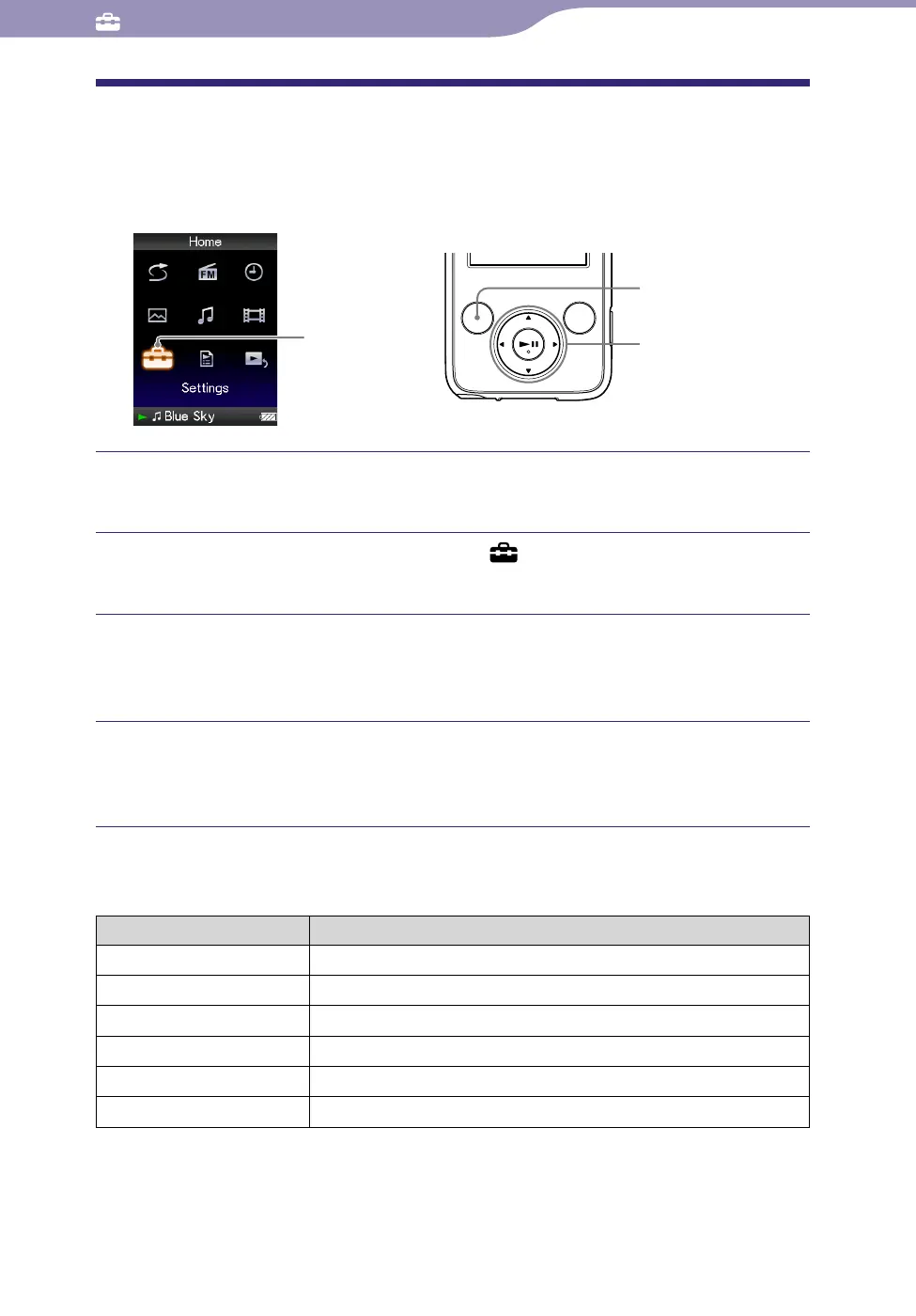
Settings
5-way button
BACK/HOME
button
Press and hold the BACK/HOME button until the Home menu
appears.
Press the /// button to select (Settings), and then press
the button to conrm.
Press the /// button to select “Common Settings,” and then
press the button to conrm.
The list of “Common Settings” options appears.
Press the /// button to select “Unit Information,” and then
press the button to conrm.
The list of available player information options appears.
Available player information
Option Description
Model:
Displays the model name of the player.
Firmware:
Displays version information for the player’s firmware.
Total songs:
Displays the total number of songs stored on the player.
Total videos: Displays the total number of videos stored on the player.
Total photos: Displays the total number of photos stored on the player.
WM-PO
R
T: Displays the version information for WM-PORT.










 To Next Page