71
71
NWZ-E435F / E436F / E438F.GB. 4-109-569-11 (1)
Listening to FM Radio
Changing to Monaural/Stereo
(Mono/Auto)
If noise occurs during FM reception, set the receiver to “Mono” for monaural.
If you set it to “Auto,” monaural/stereo reception is selected automatically,
depending on reception conditions. “Auto” is set by default.
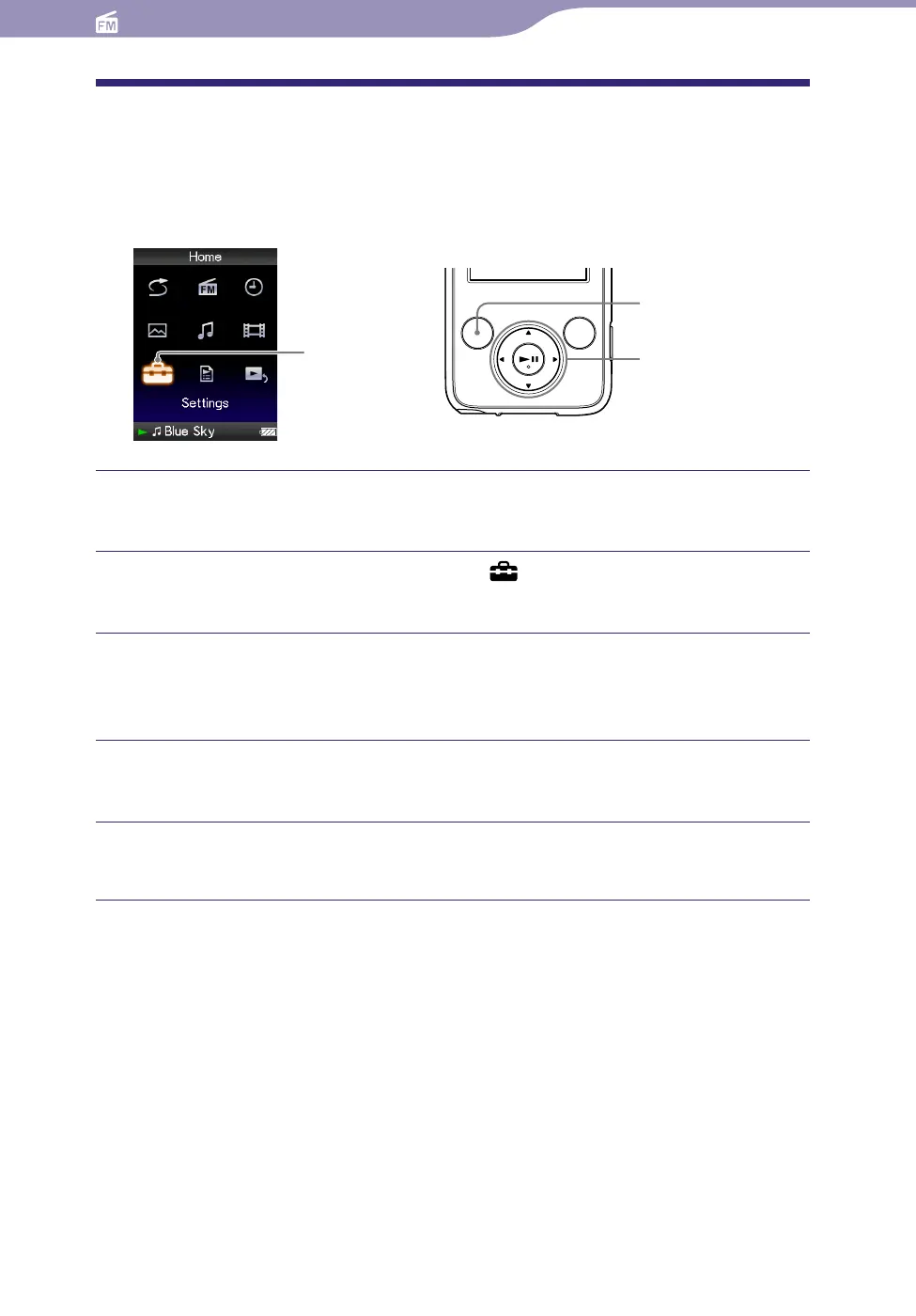
Settings
5-way button
BACK/HOME
button
Press and hold the BACK/HOME button until the Home menu
appears.
Press the /// button to select (Settings), and then press
the button to conrm.
Press the /// button to select “FM Radio Settings,” and then
press the button to conrm.
The list of “FM Radio Settings” options appears.
Press the /// button to select “Mono/Auto,” and then press
the button to conrm.
Press the /// button to select “Mono,” and then press the
button to conrm.
To return to the automatic setting
Select “Auto” in step
and press the button to confirm.










 To Next Page