NWZ-E435F / E436F / E438F.GB. 4-109-569-11 (1)
Setting the Music
44
44
To return to the normal sound quality
Select “None” in step
, and then press the button to confirm.
Hint
You can also set the sound quality from the “Now Playing” screen. Press the OPTION/
PWR OFF button, and select “Equalizer” from the option menu.
Notes
If your personal settings saved as “Custom 1” and “Custom 2” seem to produce a
different volume level than the other settings, you may have to adjust the volume
manually to compensate.
The “
Equalizer” setting is not applied while playing a video or listening to the FM radio.
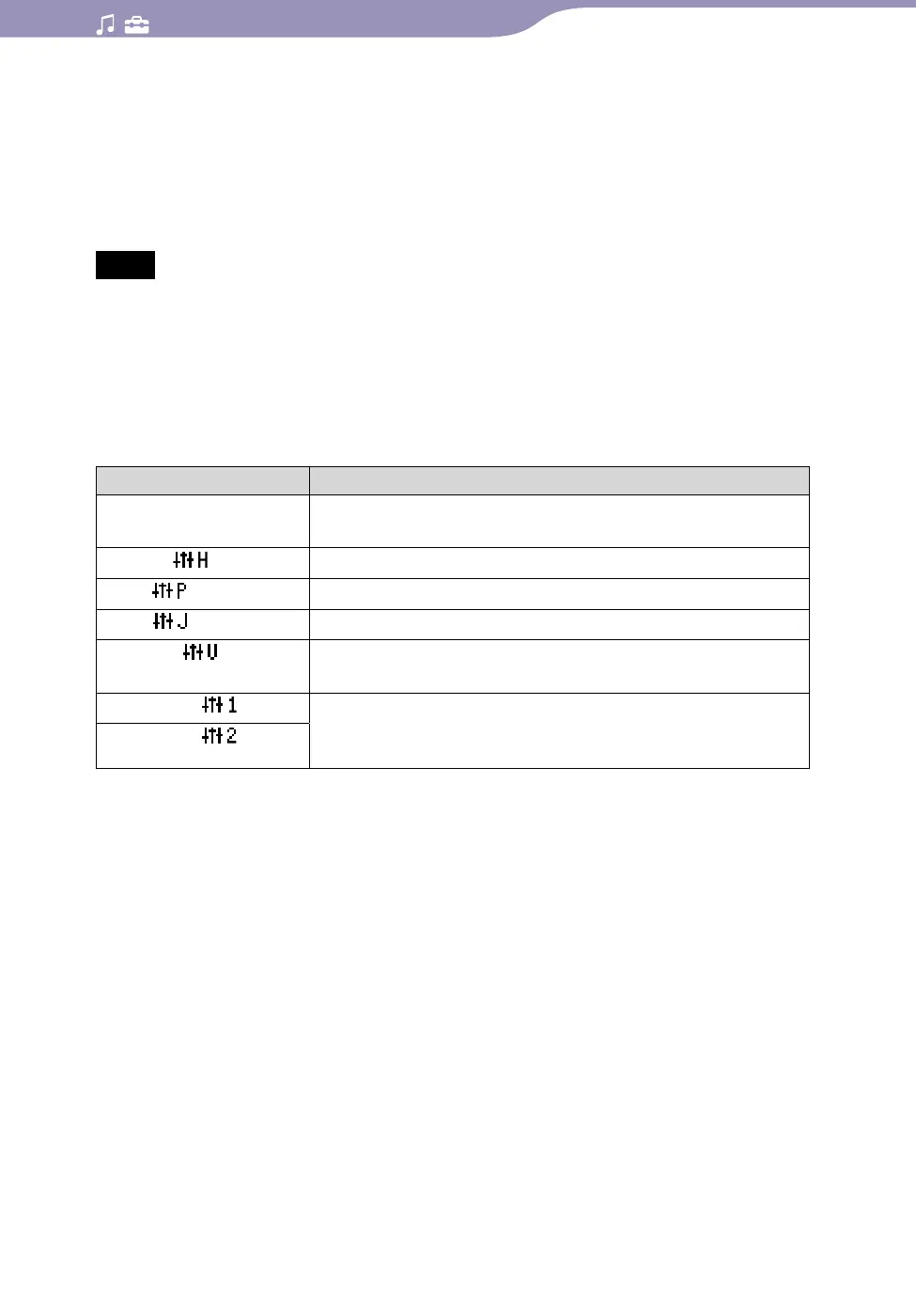
List of equalizer settings
The sound settings appear on the screen as the letters in parentheses.
Setting/icon Description
None Sound quality setting is not activated.
(Default setting)
Heavy (
)
Emphasizes high and low ranges for a powerful sound.
Pop (
)
Stresses the middle range audio, ideal for vocals.
Jazz ( )
Emphasizes high and low ranges for a lively sound.
Unique (
)
Emphasizes high and low ranges, so that a small sound
can be listened easily.
Custom 1 (
)
User-customizable sound settings for which you can
adjust each frequency range individually. See
page 45
for details.
Custom 2 (
)
Continued










 To Next Page