NWZ-E435F / E436F / E438F.GB. 4-109-569-11 (1)
Playing Videos
49
49
Press the /// button to select the desired setting, and then
press the
button to conrm.
“V
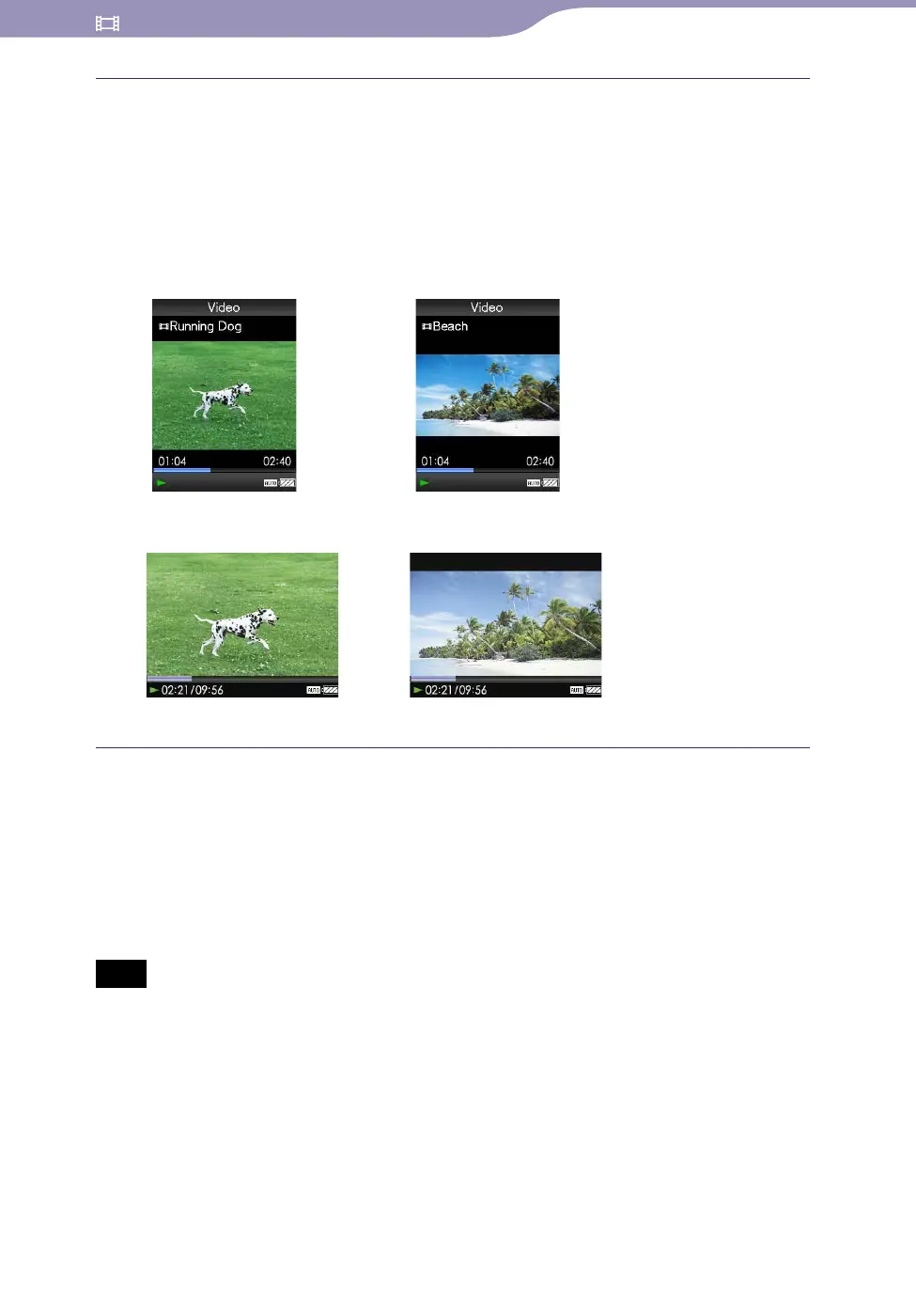
ertical”: Displays at 240 × 180 pixels. (Default setting)
“H
orizontal (right)”: Displays at 320 × 240 pixels.
The operation of the 5-way button is switched according to the setting of
“Video Orientation” (
page 18).
“Vertical”
4:3 source
16:9 source
“Horizontal”
4:3 source 16:9 source
Hints
The video orientation can be set on the “Now Playing” screen of the video. Press the
OPTION/PWR OFF button, and select “Video Orientation” from the option menu.
Wh
en “Display” is set to “On” (
page 50), the detailed information, such as the
video title, its playback icon, and elapsed playing time, etc., appears. The information
disappears if this setting is set to “Off.”
Note
If “Video Orientation” is set to “Horizontal (right),” the title of the video is not displayed.










 To Next Page