only one headset unit is removed) at the same time.
(If you selected “To connect without using the Swift Pair function” in step 4)
On your computer screen, click the [Start] button, then [Settings].
6
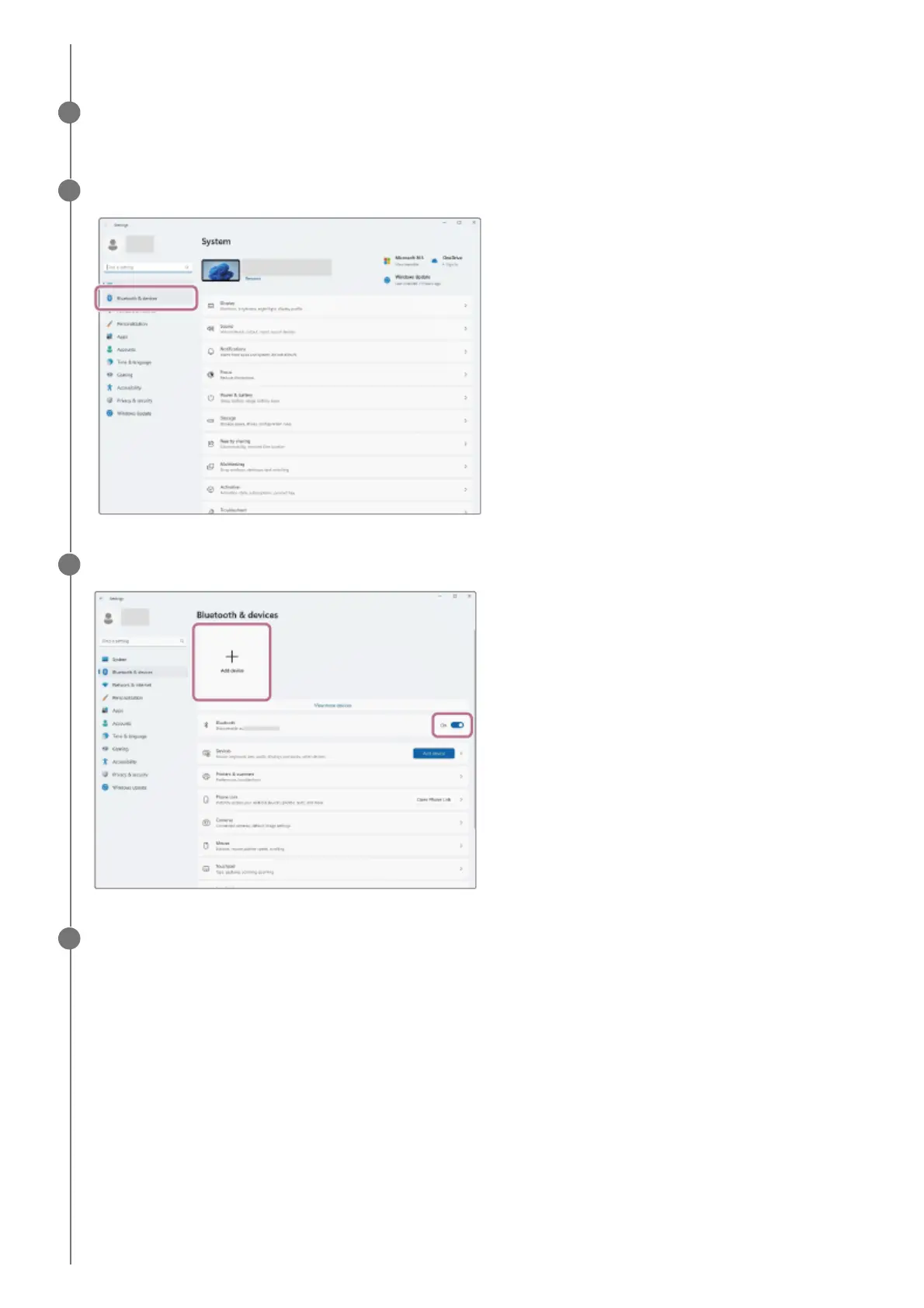
Click [Bluetooth & devices].
7
Click the [Bluetooth] switch to turn on the Bluetooth function, then click [Add device].
8
Click [Bluetooth].
9



 To Next Page