Help Guide
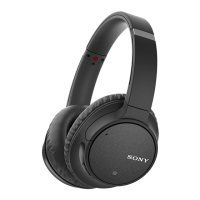
Wireless Noise Canceling Stereo Headset
WH-CH700N
Connecting to a paired Android smartphone
Unlock the screen of the Android smartphone if it is locked.
1
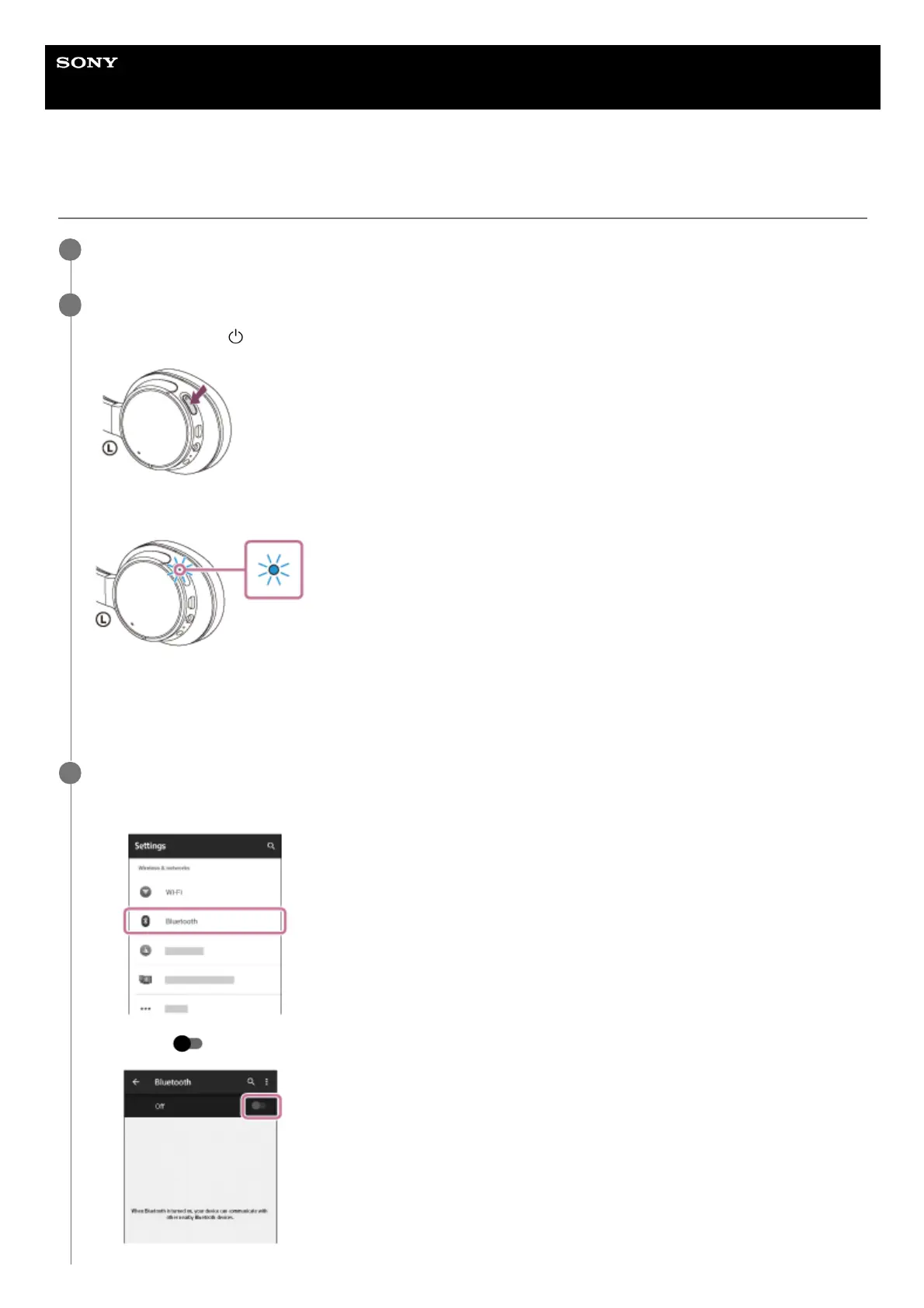
Turn on the headset.
Press and hold the
button for about 2 seconds.
Make sure that the indicator (blue) flashes after you release the button. You will hear a voice guidance “Power on”.
After the headset turns on, if it has automatically connected to the last connected device, you will hear a voice
guidance “BLUETOOTH connected”.
Check the connection status on the Android smartphone. If it is not connected, proceed to step 3.
2
Display the devices paired with the smartphone.
3
Select [Setting] — [Bluetooth].
1.
Touch [
] next to [Bluetooth] to turn on the Bluetooth function.
2.


 To Next Page