Help Guide
Wireless Noise Canceling Stereo Headset
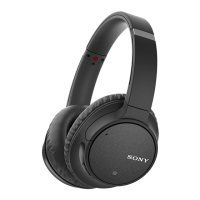
WH-CH700N
Location and function of parts
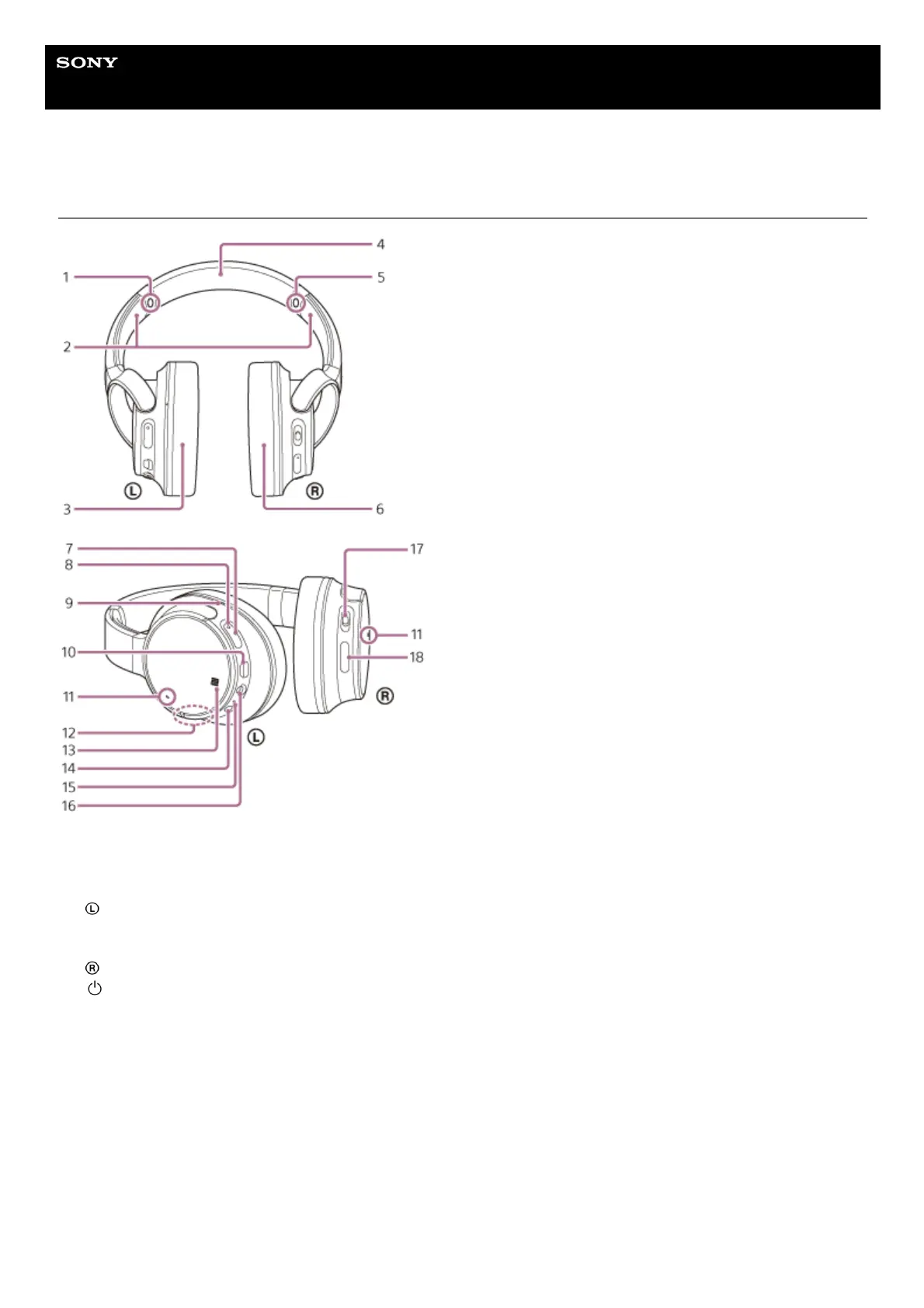
L mark1.
Slider
Slide to adjust the length of the headband.
2.
left unit3.
Headband4.
R mark5.
right unit6.
(power) button7.
Indicator (blue/red)
Lights up in red while charging.
Lights up in red or blue to indicate the power or communication status of the headset.
8.
Tactile dot
The left unit has a tactile dot.
9.
Micro-USB port
Connect a computer or USB AC adaptor (not supplied) to this port with the supplied micro-USB cable to charge the
headset.
10.
Microphone
Picks up the sound of your voice (when talking on the phone) and noise (when using the noise canceling function).
Use both microphones of the left and right units when talking on the phone.
11.
Built-in antenna
A Bluetooth antenna is built into the headset.
12.


 To Next Page