Help Guide
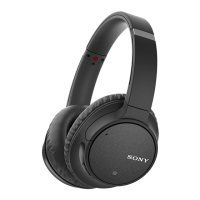
Wireless Noise Canceling Stereo Headset
WH-CH700N
Checking the sound quality mode
When you switch the sound quality mode, the indicator (blue) flashes to show the current sound quality mode. When the
headset is powered on, press and hold the
button, then press the + or - button within 2 seconds (before the power is
turned off), then the indicator (blue) flashes to show the current sound quality mode.
“Priority on sound quality” mode: 3 times
- - - -
SBC, AAC, aptX, or aptX HD is selected automatically.
“Priority on stable connection” mode: 1 time
SBC
You can switch and check the sound quality mode setting with the "Sony | Headphones Connect" app.
4-729-821-11(2) Copyright 2018 Sony Corporation


 To Next Page