Help Guide
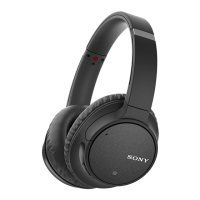
Wireless Noise Canceling Stereo Headset
WH-CH700N
Charging cannot be done.
Check that you are using the micro-USB cable supplied.
Check that the micro-USB cable is connected to the headset and the computer firmly.
Make sure that the USB AC adaptor is firmly connected to the AC outlet.
Check that the computer is turned on.
Check that the computer is not in standby, sleep or hibernation mode.
When using Windows 8.1, update using Windows Update.
Related Topic
Charging the headset
4-729-821-11(2) Copyright 2018 Sony Corporation


 To Next Page