Help Guide
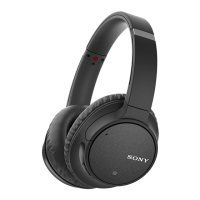
Wireless Noise Canceling Stereo Headset
WH-CH700N
Disconnecting Bluetooth connection (after use)
Hint
When you finish playing music, the Bluetooth connection may terminate automatically depending on the Bluetooth device.
Related Topic
Disconnecting the smartphone by one touch (NFC)
Turning off the headset
4-729-821-11(2) Copyright 2018 Sony Corporation
If using a device that supports one-touch connection (NFC), touch the device to the headset again. (Unlock
the screen of the device if it is locked.) If using a device that does not support one-touch connection (NFC),
operate from the Bluetooth device.
When disconnected, you will hear a voice guidance “BLUETOOTH disconnected”.
1
Turn off the headset.
You will hear a voice guidance “Power off”.
2


 To Next Page