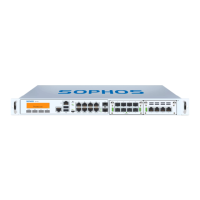
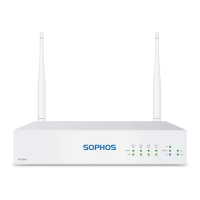
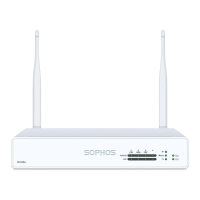
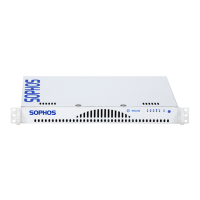
6SG 310/330 Rev. 2
Operating Instructions
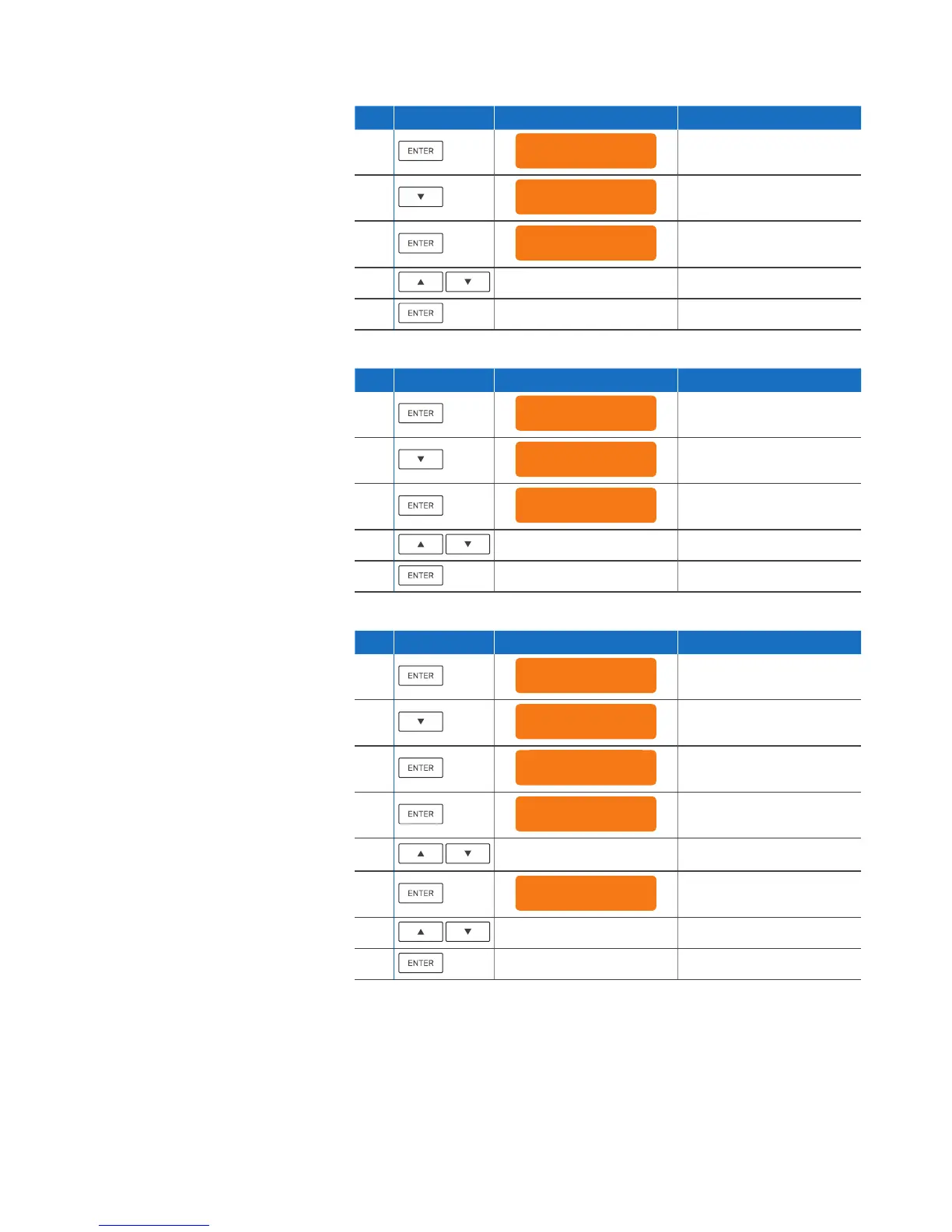
Shut Down
S.NO. Action Item/press What you see on the LCD What it means
1.
Config menu
1. Change IP addr
2.
x2
Config menu
3. Shutdown
3.
Rebooting
Are you sure? n
4.
Toggles between “y“ and “n“
5.
Selects choice
Shut Down
S.NO. Action Item/press What you see on the LCD What it means
1.
Config menu
1. Change IP addr
2.
x3
Config menu
4. Factory Reset
3.
All Data erased!
Are you sure? n
4.
Toggles between “y“ and “n“
5.
Selects choice
Disabling OTP (One Time Password) Authentication
S.NO. Action Item/press What you see on the LCD What it means
1.
Config menu
1. Change IP addr
2.
x4
Config menu
5. OTP Recovery
3.
Disable OTP
Not available
Displayed if no option to
disable is available
or
Disable OTP
xxxxxx
4. Selects feature to
disable (if enabled)
5.
Disable xxxxxx
Are you sure? n
6.
Toggles between “y“ and “n“
7.
Selects choice



 To Next Page
 Loading...