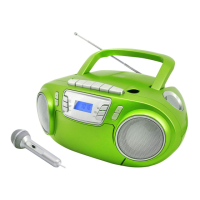
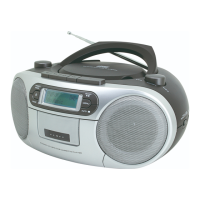
CD PLAYBACK
, PAUSE:
•
Load the
CD.
•
Press
the SCAN /
button to s
tar
t
the CD
playing
•
When
a
CD
is
playing, pressing
the SCAN /
button
at
any time
will
pause playback.
Press
the button again to
r
e
-
s
tar
t play.
Selecting
tracks:
•
Turn the
TUNING
knob , briefly to select the previous or next track from the
disc.
CD REPEAT AND RANDOM
REPEAT AND SHUFFLE FUNC TIONS
You
can
repeat
a
single track,
the
whole disc
or
select random
to
play
the
tracks
in a random
sequence.
To set
a
repeat or random
mode:
Press the MENU
button
to
cycle
through
the
options
of
“
R
ep
A ”
(repeat current
track),
“
Rep1
ALL
” (Repeat the disc)
or
“
R
and
”
(play tracks
in a
random
sequence).
The Repeat, Repeat All or Random symbol will be
displayed.
PROGRAM PLAY
REPEAT AND RANDOM FUNC TIONS
When playing a CD, you can store a
random sequence of
up to 60 tracks to play in your
preferred
order.
To store
a
CD
program:
• In
CD Stop mode, press the
PRESET/ PROG
button.
• Turn the TUNING
knob to select the track number for the first track you want to
program. Displays
showing T000 (“000” means your desired track number)
•
Press the
PRESET/ PROG
button
to store this track into the program memory. The track will be
store
and
the program counter will increase
to “ P02”.
• Repeat the above two steps to store the next and
subsequent tracks
in your program
sequence.
•
When you have finished entering
all
tracks
in
your program, press
the SCAN/
button
to
s
tar
t
the program
playing.
To clear
a program
•
During program playing, press the
STOP
button
twice.
•
Open the CD
door.


 To Next Page