GET TING STARTED
DAB/FM AERIAL
Before
using your radio for DAB or FM
reception,
pull out the
telescopic antenna.
You may
need to adjust the position of the telescopic antenna for maxing signal
strength.
CONNEC TING POWER
Before
connecting
the power, check that the mains
voltage
on the rating plate is
the
same as the voltage
in
your
area.
·
Plug the AC cord into the AC socket at the back of the
unit.
·
Plug the VDE plug into the wall socket.
·
Set the
Function
selector to desired position then press
Standby button.
The unit
is
now ready for
use.
NOTE:
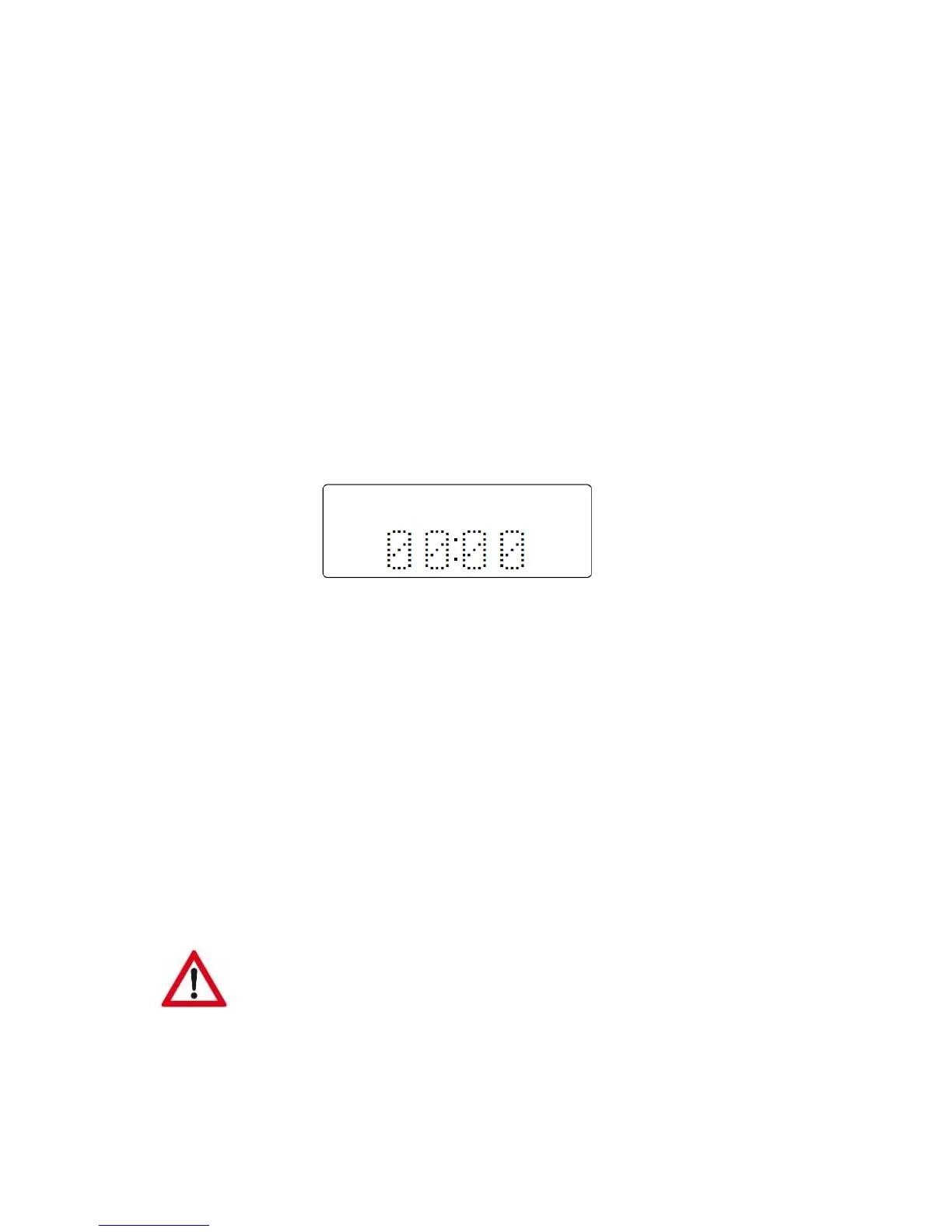
When first connected to the power, the clock display will show
“zeros”.
SET TING THE CLOCK
The
clock
on your radio is
automatically
set
when
first used from the time
signal
b
r
o
a
dc
a
s
t
with DAB radio
stations.
If a
DAB station
is not
available,
the
clock
may be set
manually
via the
MENU
system.
(
Pl
e
a
se
refer to
CLOCK SET
page
).
POWER CONTROL
STANDBY CONTROL
To turn the unit
on:
·
Press the
STANDBY
button on the top
panel.
The display will light and the unit will switch
on.
To
turn the unit in
STNADBY
mode
:
·
Press the
STANDBY
button on the front panel
briefly.
This unit will switch off. The clock will continue to run whilst mains power
is connected.
ENERGY SAVING/ ERP2 REGULATION
This device is equipped with an AUTOMATIC SWITCH OFF / STANDBY SYSTEM for energy-saving
requirements. This is regulated by an EU-standard and is NOT A MALFUNCTION.


 To Next Page