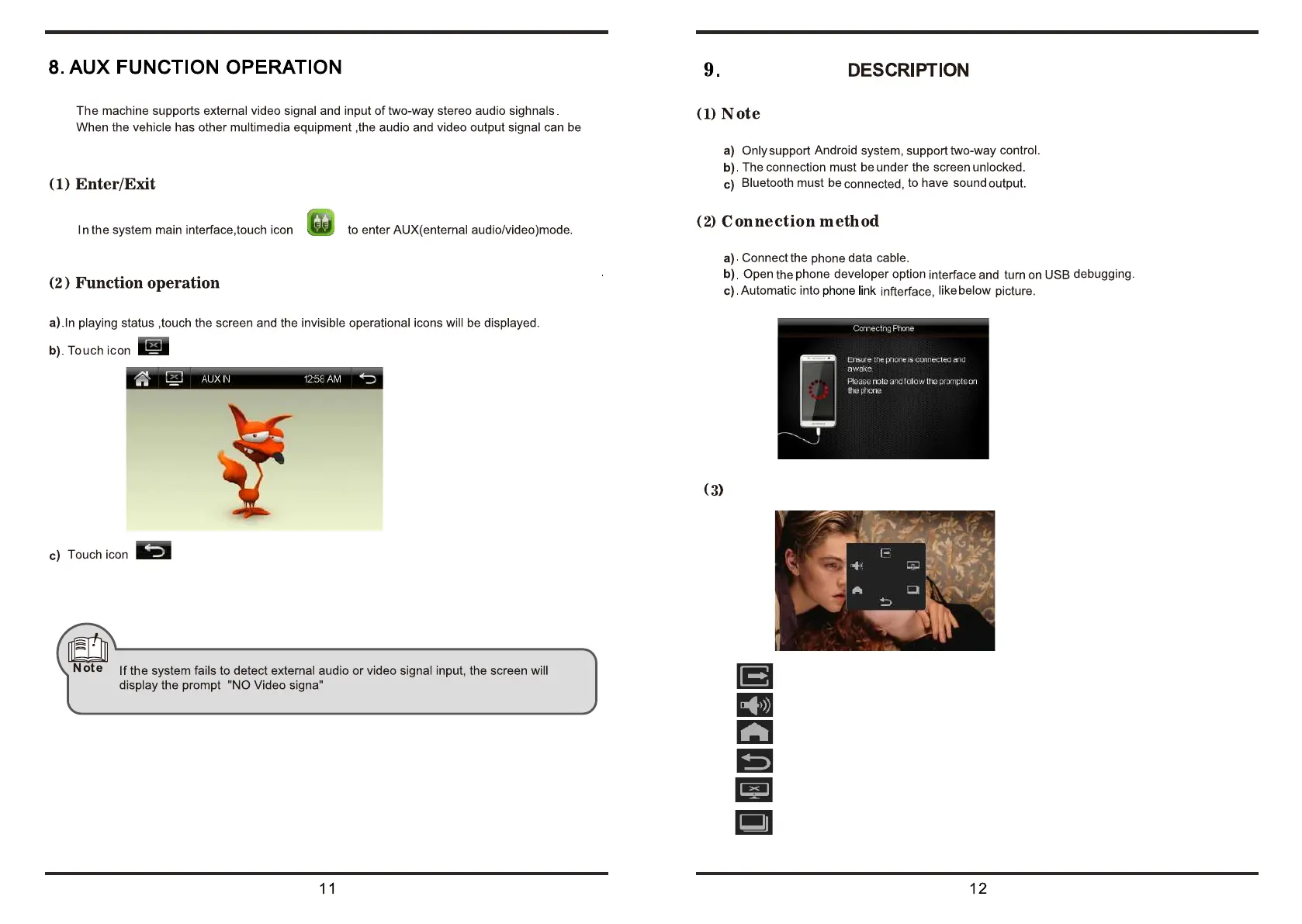
connected to the audio and video input port.
to turn off screen display,touch the screen for returning to display
to exit the AUX mode to the system main interface.
PHONE LINK
Corresponding to the role of the icon
Exit the
phone link
quit
Volume adjustment
Return to the mobile home bage
Return to the prvious operation
Sreensave
Force landscape













 To Next Page