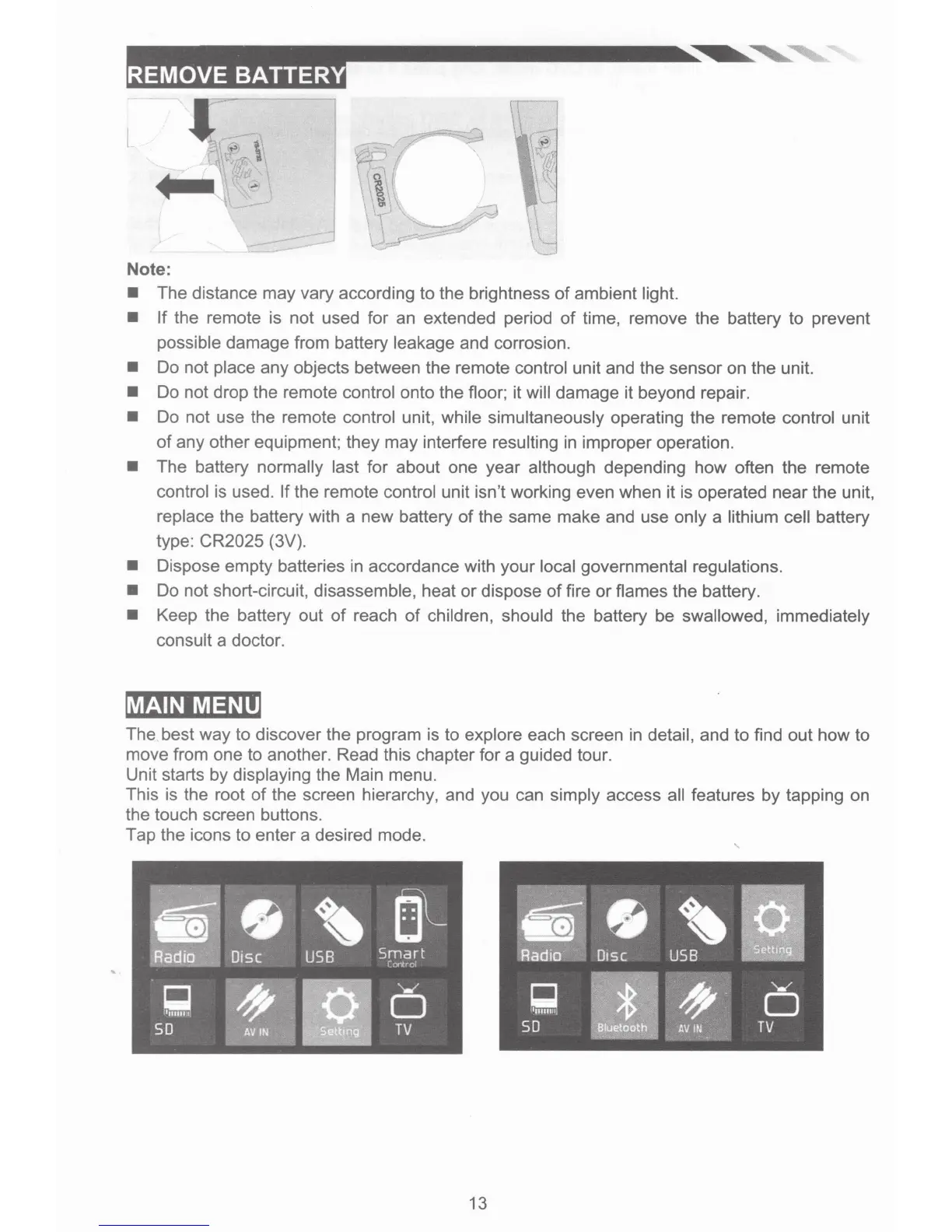
Note:
• The distance may vary according to the brightness
of
ambient light.
•
If
the remote is not used for an extended period
of
time, remove the battery to prevent
possible damage from battery leakage and corrosion.
• Do not place any objects between the remote control unit and the sensor on the unit.
• Do not drop the remote control onto the floor; it will damage it beyond repair.
• Do not use the remote control unit, while simultaneously operating the remote control unit
of
any other equipment; they may interfere resulting in improper operation.
• The battery normally last for about one year although depending how often the remote
control is used.
If
the remote control unit isn't working even when it is operated near the unit,
replace the battery with a new battery
of
the same make and use only a lithium cell battery
type: CR2025 (3V).
• Dispose empty batteries
in
accordance with your local governmental regulations.
• Do not short-circuit, disassemble, heat or dispose
of
fire
or
flames the battery.
• Keep the battery out
of
reach
of
children, should the battery be swallowed, immediately
consult a doctor.
MAIN MENU
The best way to discover the program is to explore each screen in detail, and to find out how to
move from one to another. Read this chapter for a guided tour.
Unit starts by displaying the Main menu.
This is the root
of
the screen hierarchy, and you can simply access all features
by
tapping on
the touch screen buttons.
Tap the icons to enter a desired mode.
'
13













 To Next Page