Supplemental Troubleshooting Information
1.
AM
/
FM
or
Audio Staging memory lost
If the radio will
not
keep
the
AM/FM
station memory,
or
audio staging settings,
confirm the constant power wire [yellow) is receiving minimum
12
volt power
at
all times, regardless of vehicle ignition
or
key
off. The loss
of
constant power will
erase all
AM/FM
preset stations
and
audio settings. Some vehicles may
give
12
volt power for
only
a
short
time after the vehicle has been turned off.
Connect the yellow wire directly
to
the vehicle's battery if constant power can not
be
found.
2.
Touch
screen controls will not work
or
misaligned
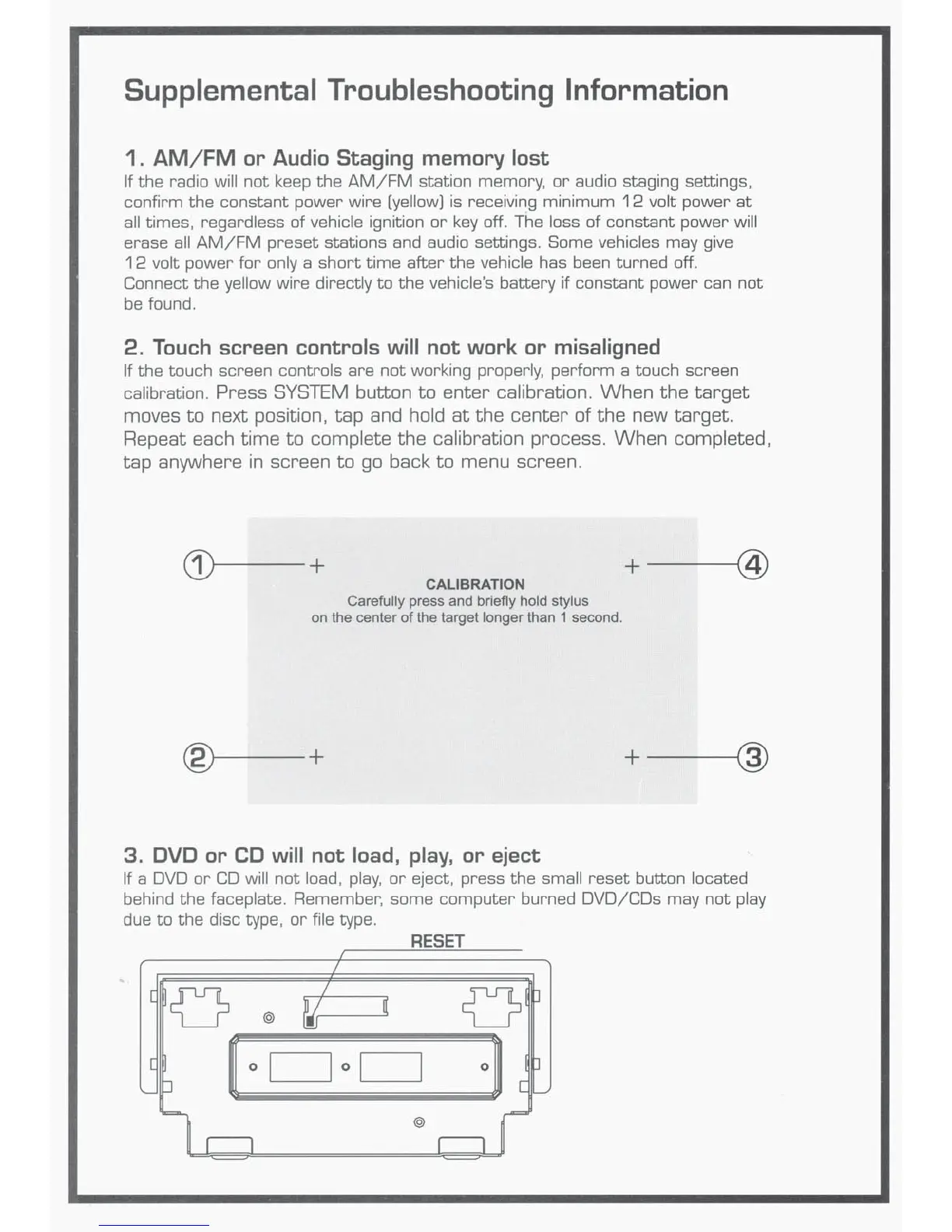
If the touch screen controls are
not
working properly. perform a touch screen
calibration.
Press
SYSTEM
button
to
enter
calibration.
When
the
target
moves
to
next
position.
tap
and
hold
at
the
center
of
the
new
target.
Repeat
each
time
to
complete
the
calibration
process.
When
completed,
tap
anywhere
in
screen
to
go
back
to
menu
screen.
~~--+
+--~@
CALIBRATION
Carefully press and briefly hold stylus
on the center
of
the target longer than 1 second.
®----+
+--~@
3.
DVD or CD
will
not load,
play,
or
eject
If a
DVD
or
CO
will not load,
play,
or
eject, press the small reset button located
behind the faceplate. Remember, some computer burned DVO/COs may not play
due
to the disc type,
or
file type.
RESET
I
I
[
{}
I
v
J
~
[
@
~
·I
[
0 I
I o I
I
J
'---
p
[
~
@
II
II
~













 To Next Page