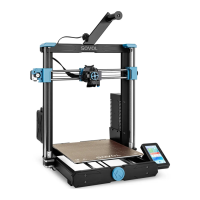
Bed Leveling
11
1.Prepare > Auto Home
2.Prepare > Disable Steppers
3.Prepare > Preheat PLA > Preheat PLA Bed
Run the sequence to level
1. Auto Home - The nozzle will move to the
zero point on the XYZ axes.
2. Disable Steppers - The motors are
released to allow manual movement.
3. Preheat Pla Bed - Optional, but
recommended to recreate the printing
temperature conditions.
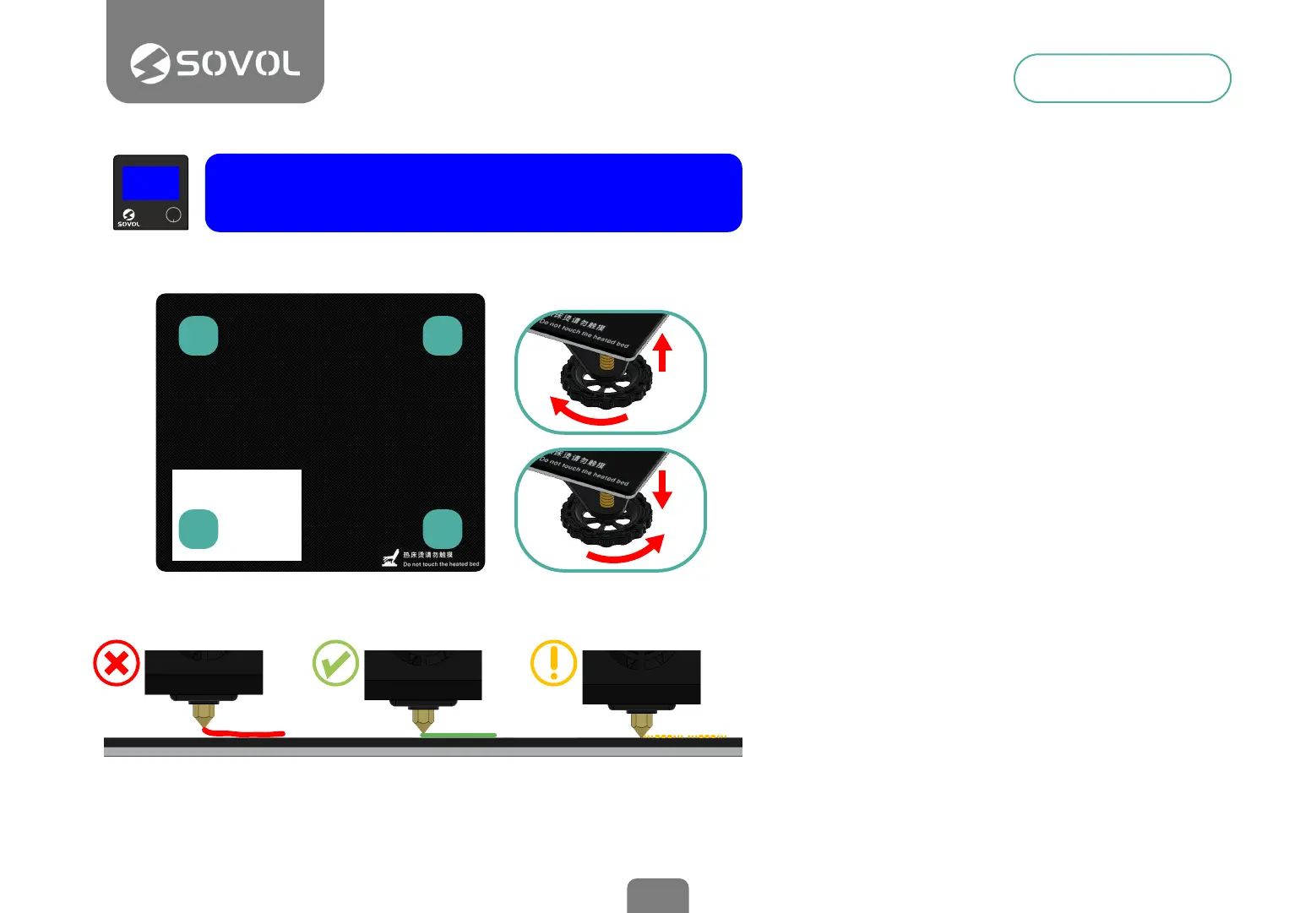
Slide a paper between the bed and nozzle
If necessary, adjust the bed so that the
paper can be placed in the rst corner.
Level the four corners of the bed
Adjust each of the four thumbscrews under
the bed until the piece of paper slides, with
just a tiny bit of drag, in all locations on the
build plate.
When nished, cool the bed, if heated, using
the menu Prepare>Cooldown
Tip: The Z axis motors are also disabled. So
you should handle the print head gently
keeping it at during the leveling process. If
you put too much pressure, you will lose the
initial Z position obtained with Auto Home
getting an invalid leveling.
TOO FAR
The lament can not
adhere to the platform.
CORRECT DISTANCE
Filament are extruded evenly
just sticking on the platform
TOO CLOSE
Filament are not extruded
enough, even scraping the platform
2
4 3
1
1
2
3


 To Next Page