12
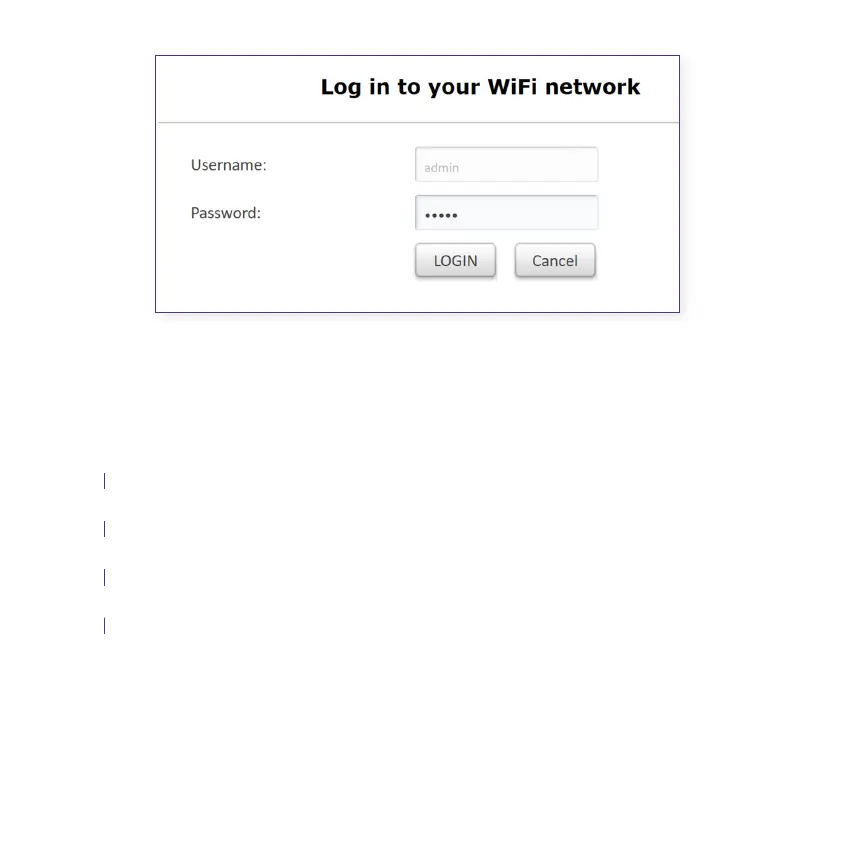
3.2 Changing the Wi-Fi name and password
Select Settings from the top menu tab
Select Wireless from the left-hand menu list
Delete the default Network Name/SSID and type your preferred Wi-Fi name
Delete the default Security Key and type in your preferred Wi-Fi password
Click Save to save the changes you’ve made
You can change the default Wi-Fi name and password to your preferred settings.
Note: If you’re using the Smart Modem you’ll be redirected to the Smart Modem’s setup
page. You’ll need to follow the Wi-Fi settings for the Smart Modem.
A.
B.
C.
D.
E.
Figure 3.1
See gure 3.2



 To Next Page