User’s Manual
DVR-4TH/8TH/16TH Series
SPECO TECHNOLOGIES 07/10
92
Privacy Mask
The privacy mask function allows the user to block selected regions that
might involve privacy issue. Select <On> to enable the function, or select
<Off> to disable the function.
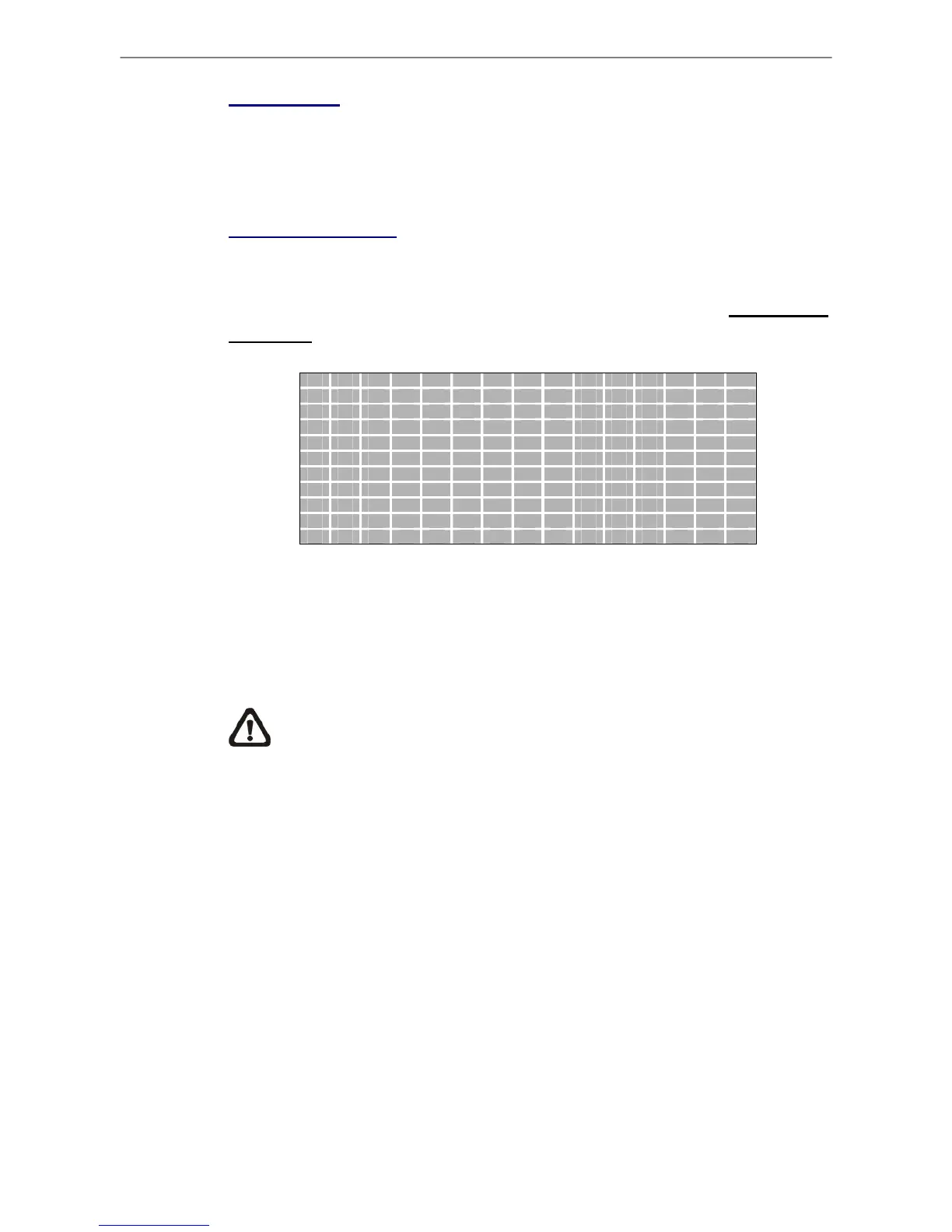
Privacy Mask Select
Enter this menu to setup privacy mask regions. Use Direction keys to select
any grid and press ENTER to select or deselect the grid. If a mouse is
connected, follow the special operation described in appendix USB Mouse
Operation for faster setup steps.
5.3.1.6 Termination
This item is used to enable / disable the 75-termination resistor inside the unit
that adjusts the image quality of each camera. <Yes> = termination resistor
enabled (default), <No> = termination resistor disabled.
NOTE: If the camera loop-out connectors have not been used, the
termination resistor should be enabled for appropriate signal
termination.
5.3.1.7 Brightness
Move the cursor to this item and press ENTER to adjust the brightness of the
camera. Use UP / DOWN keys to adjust the numeric value. The range of
brightness values is <-128> to <127>. The default setting is <0>.
5.3.1.8 Contrast
Move the cursor to this item and press ENTER to adjust the contrast of the
camera. Use UP / DOWN keys to adjust the value.



 To Next Page