User’s Manual
DVR-4TH/8TH/16TH Series
SPECO TECHNOLOGIES 07/10
165
Step 8. Click <Step1> sheet, and then choose <Install to System Root> and <Start drive
on boot> options. When done, click <Install Drive> button. After last step is done,
reboot the PC for the changes to take effect. The HDD will be added into your
PC’s database after rebooting.
Start Playing the *.drv file
After the HDD being added into your PC’s database , you can now use the SpecoPlayer to
play the *drv file in your HDD. Please referring to the steps below:
Step 1. You can find the SpecoPlayer in the CD that ship with the package, start it and
push the “PLAY” button on the upside of the frame.
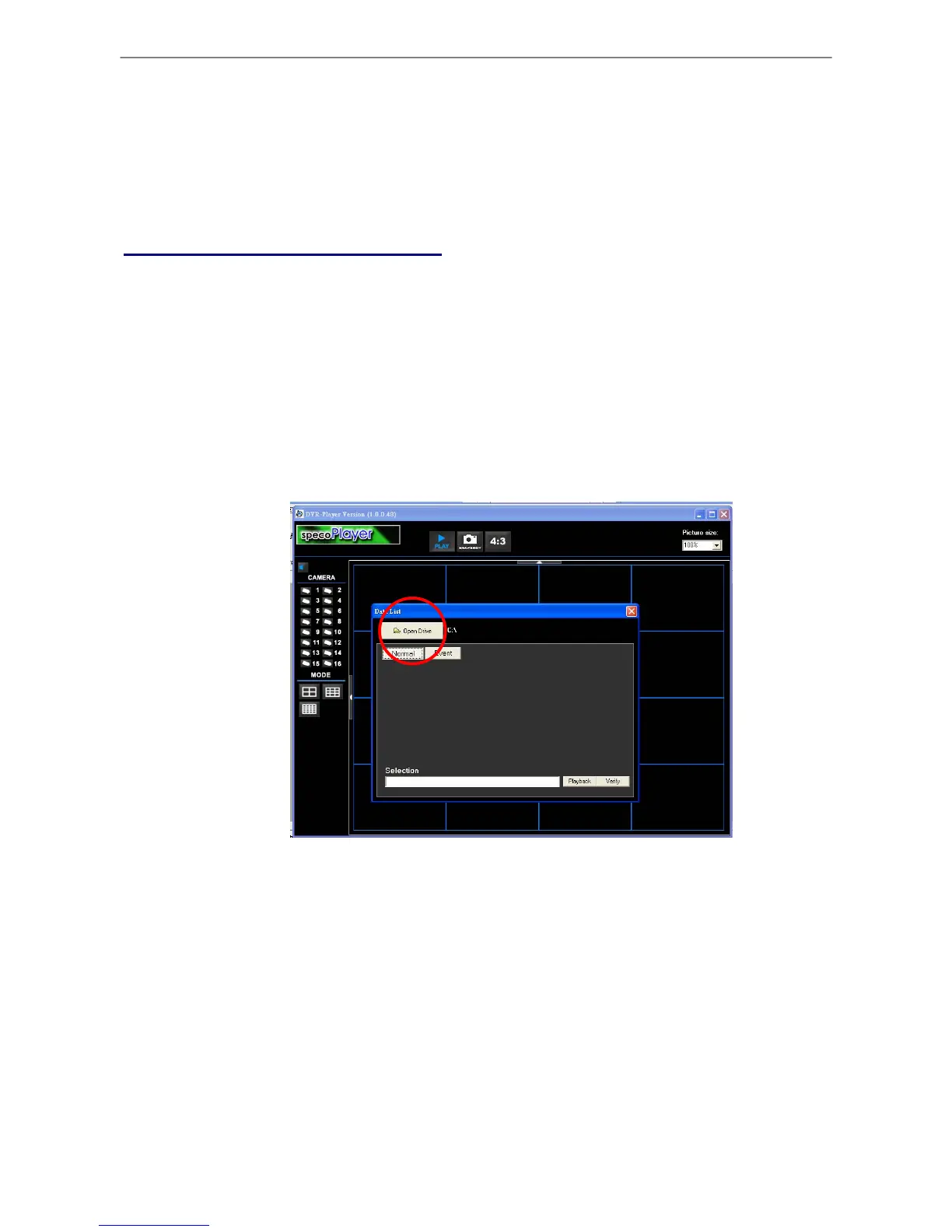
Step 2. Click the “Open Device” button (as below picture), then choose the HDD Drive that
you just assigned.
Figure 1: Select the Drive
Step 3. After choosing the HDD Drive , choose the video file that you want to use.



 To Next Page