26
4-3-1. Recording Schedules
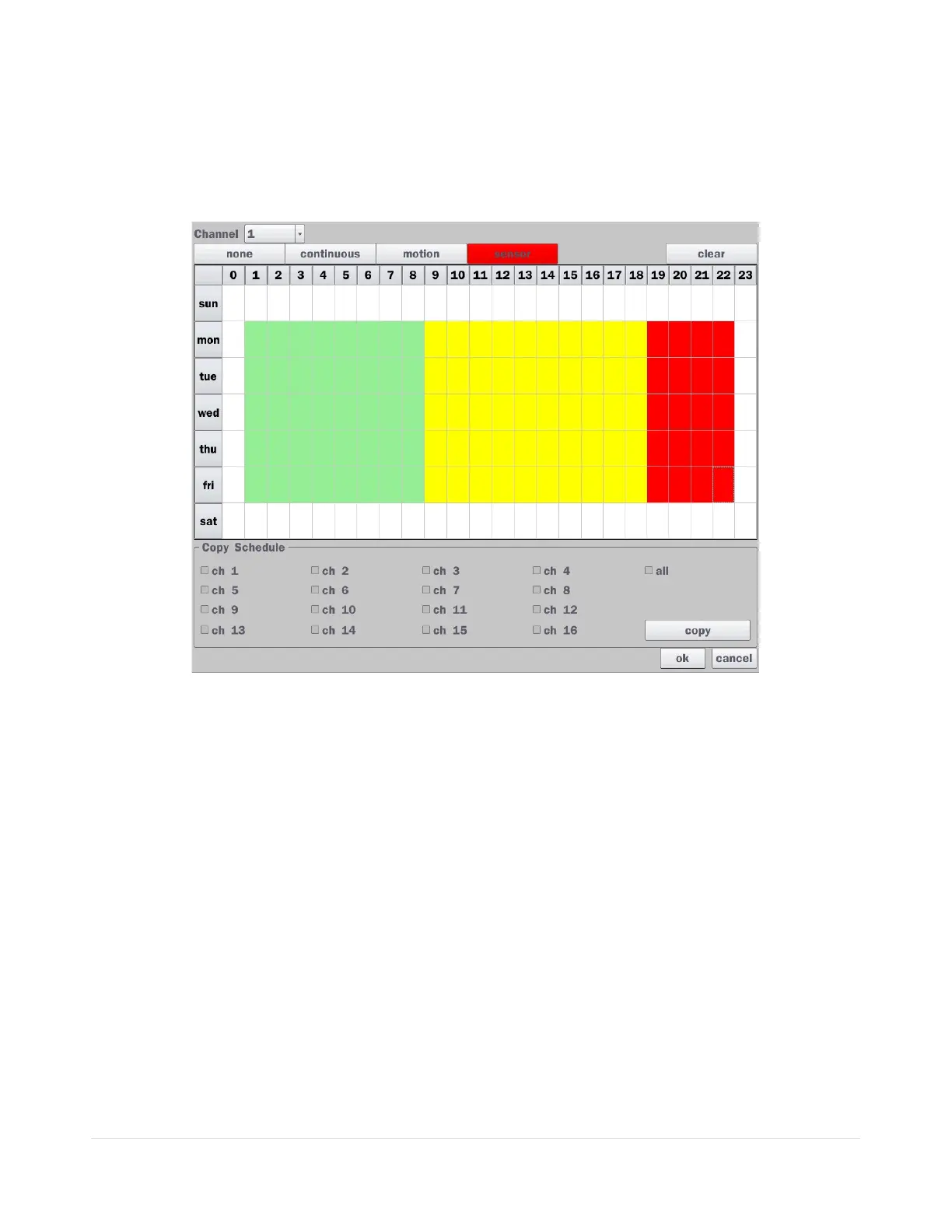
To setup a recording schedule, select Schedule in the Record menu. Navigate through the menu items or
change the settings using the mouse or the remote control. Select the Channel; select one of the recording
settings: None, Continuous or Motion, then highlight the area for the selected setting. To copy a schedule to
a different channel, select the channel from the Copy Schedule menu, then click the Copy button.
Figure 4.3.2. Schedule Recording Setup Screen
none: Disable recording
continuous: Continuous recording (Highlighted in Green)
motion: Motion recording (Highlighted in Yellow)
sensor: Sensor recording (Highlighted in Red)



 To Next Page