29
Table 4.4.2. Item for Digital Deterrent Setup Screen
Item Description
Import From USB
Import up to 8 sound files from USB.
Export To USB Export the sound file to USB
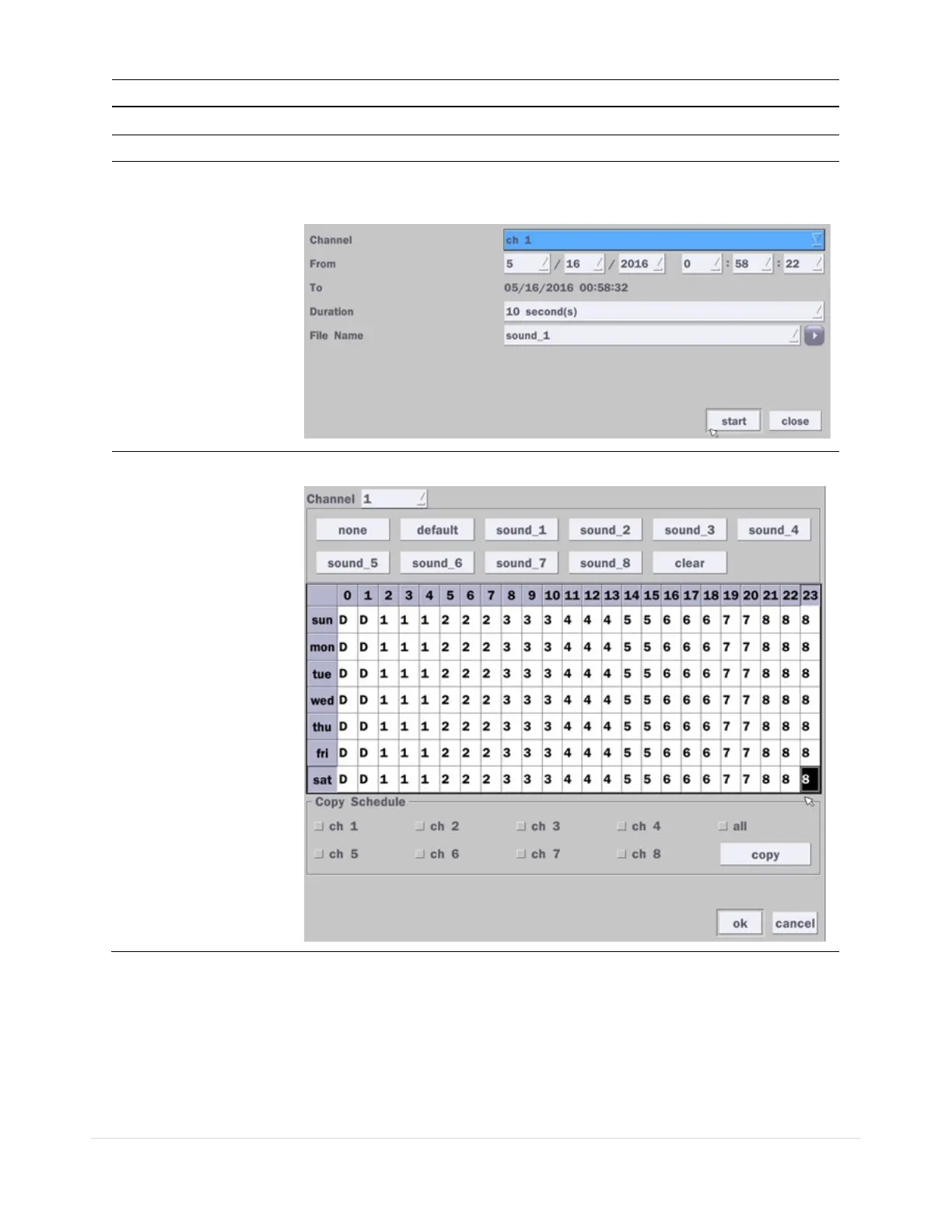
Record
Select a channel and set up the date and the duration.
And, select the sound file to play.
Schedule
Schedule the sound file considering the expected situation.
4-4-2. Keyboard Controller & PTZ Setup
To control the PTZ functions of the camera, connect the PTZ controller to the RS-485 port on the back of
the chassis with CAT5 (or equivalent) cable.
① Connect the RS-485 cables of PTZ camera to the RS-485 port on the rear panel.



 To Next Page