42
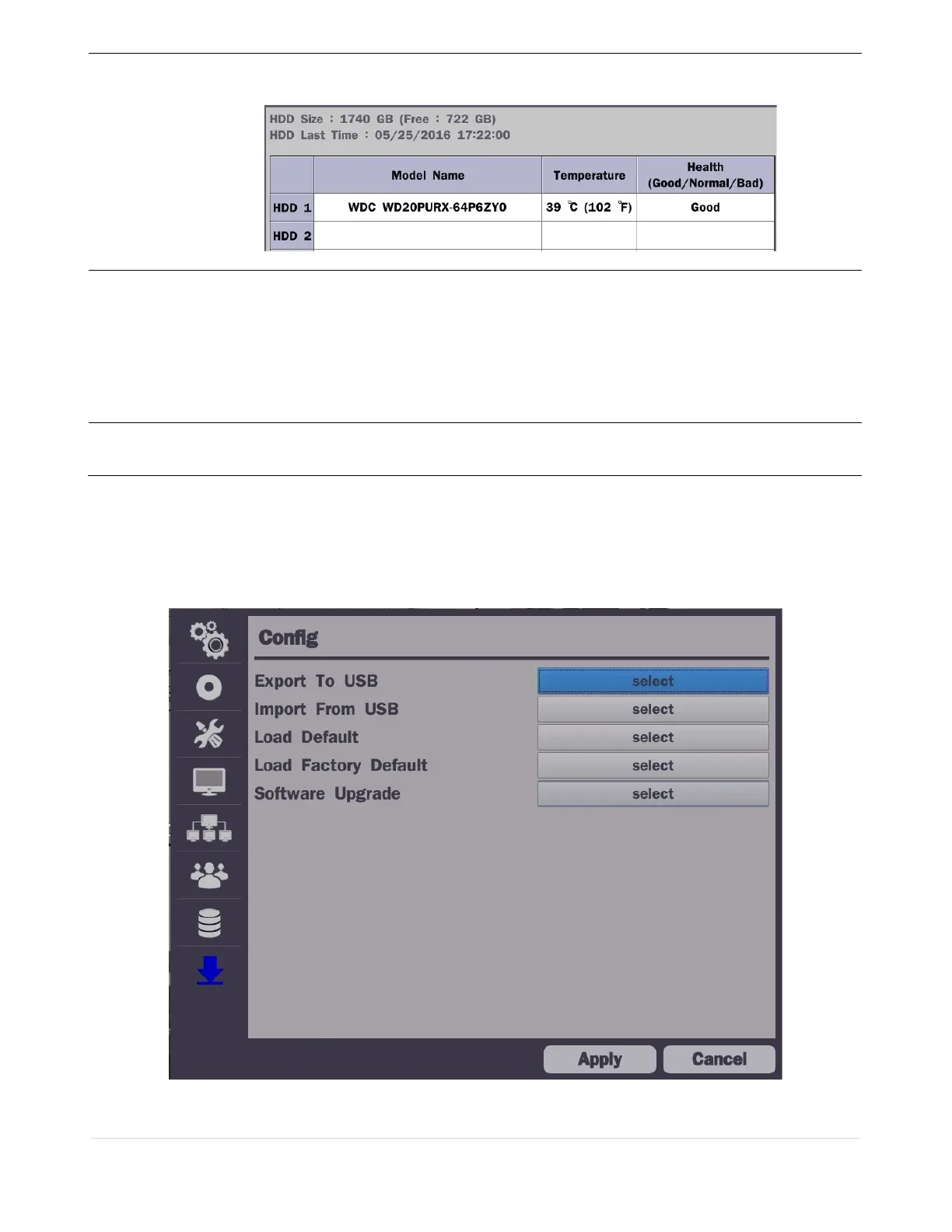
Disk Info
Hard drive information.
Displays the following information:
Recording Limit
Enable recording limit: The amount of data recorded in HDD will be limited to the
most recent number of days as set by “Recording Limit Days”.
Disable recording limit: When Overwrite is on, DVR will continue to record when
HDD is full and overwrite older data. When Overwrite is off, DVR will stop recording
when the HDD is full.
Recording Limit
Days
Set the recording limit days. (1- 90 days)
If the Recording Limit Days are set to 1, the data will be overwritten after 24 hours.
4-9. Setup - Config Mode
In the Setup menu, select the Config tab. Then, the configuration menu is displayed as pictured below.
Navigate through the menu items or change the settings using the mouse or the remote control.
Figure 4.9.1. Configuration Setup Screen



 To Next Page