55
6. Export and Back Up
6-1. Still Image Backup onto USB Flash Drive
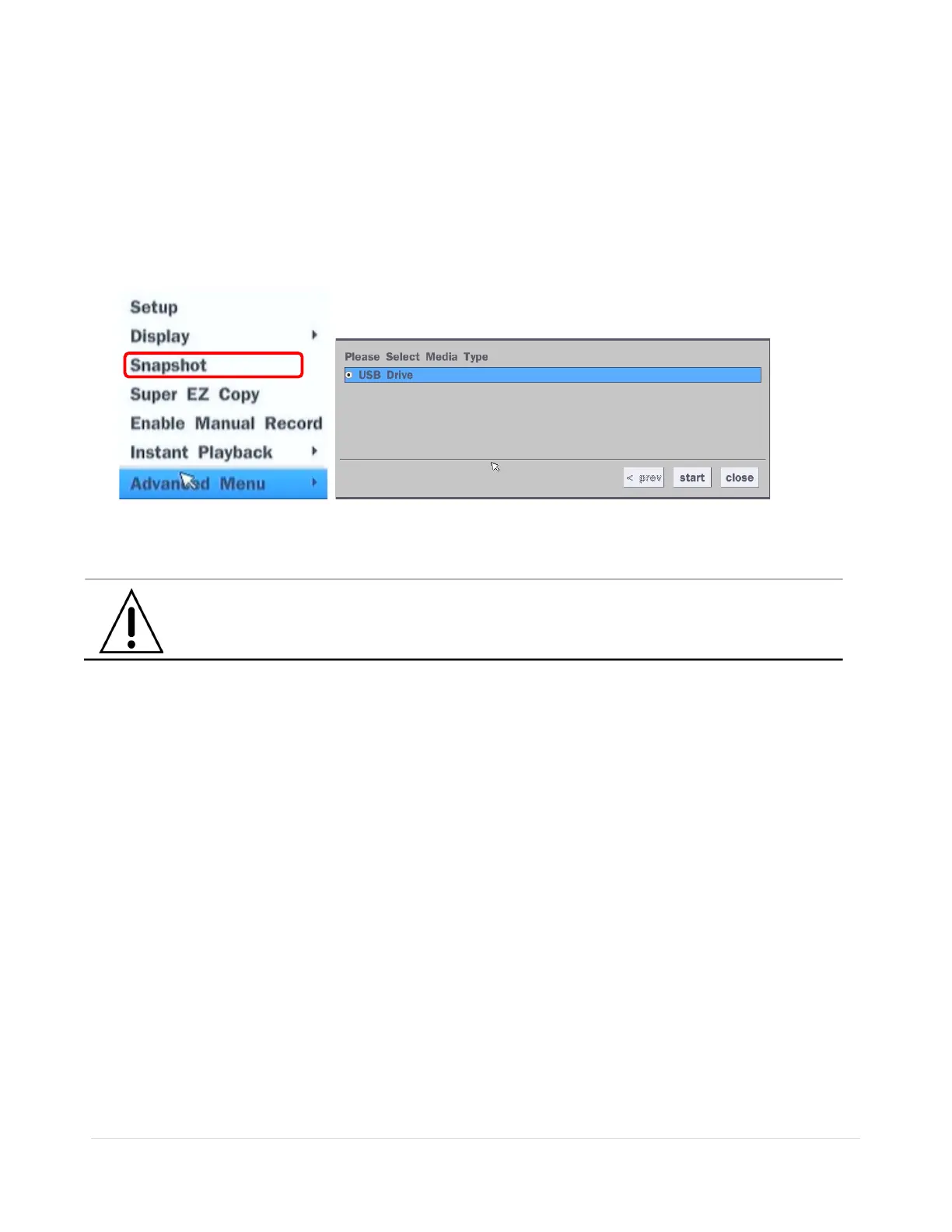
Still images can be captured and archived onto a USB flash drive or an USB external hard drive in live
mode or while playing back recorded video.
1. Select a specific channel, which wants to back up on live screen.
2. When you press “Snapshot” button on Quick operation window, the media selection window screen will
display.
3. Once you press “start” button, the system will capture a still image and archive onto a USB flash drive.
NOTICE
USB Flash Drive must be in FAT32 file format.



 To Next Page