94
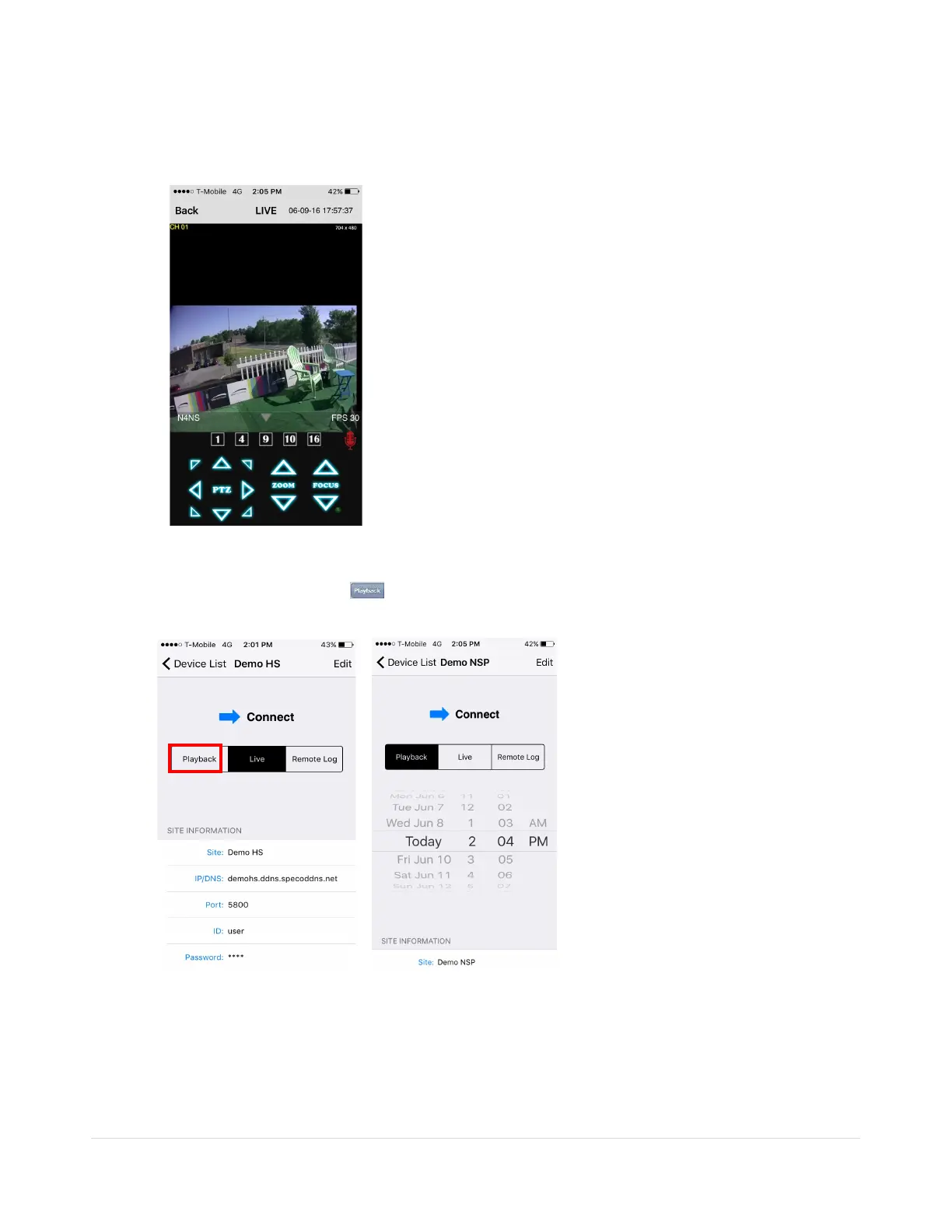
9-1-2.PTZ Control
To control the PTZ functions of the camera, tap the menu button. Then PTZ menu icons will display. Using
the PTZ icon on the screen, can control PTZF functions.
9-1-3. Playback
1. Select mode as ‘Playback’ and click ‘Connect’ button. Then select Date & Time and click
‘Connect’ button.
2. The app will display the selected channel(s). Double tap the channel screen to switch 1 channel
display to 4, 8, 10, 16 channels split display depending on the DVR.



 To Next Page