3-4 Chapter 3: Configuring the Micro800 Expansion I/O 2085-OX32-SC Using CCW
User’s Manual Pub. 0300309-01 Rev. A
2085-OV32-SC
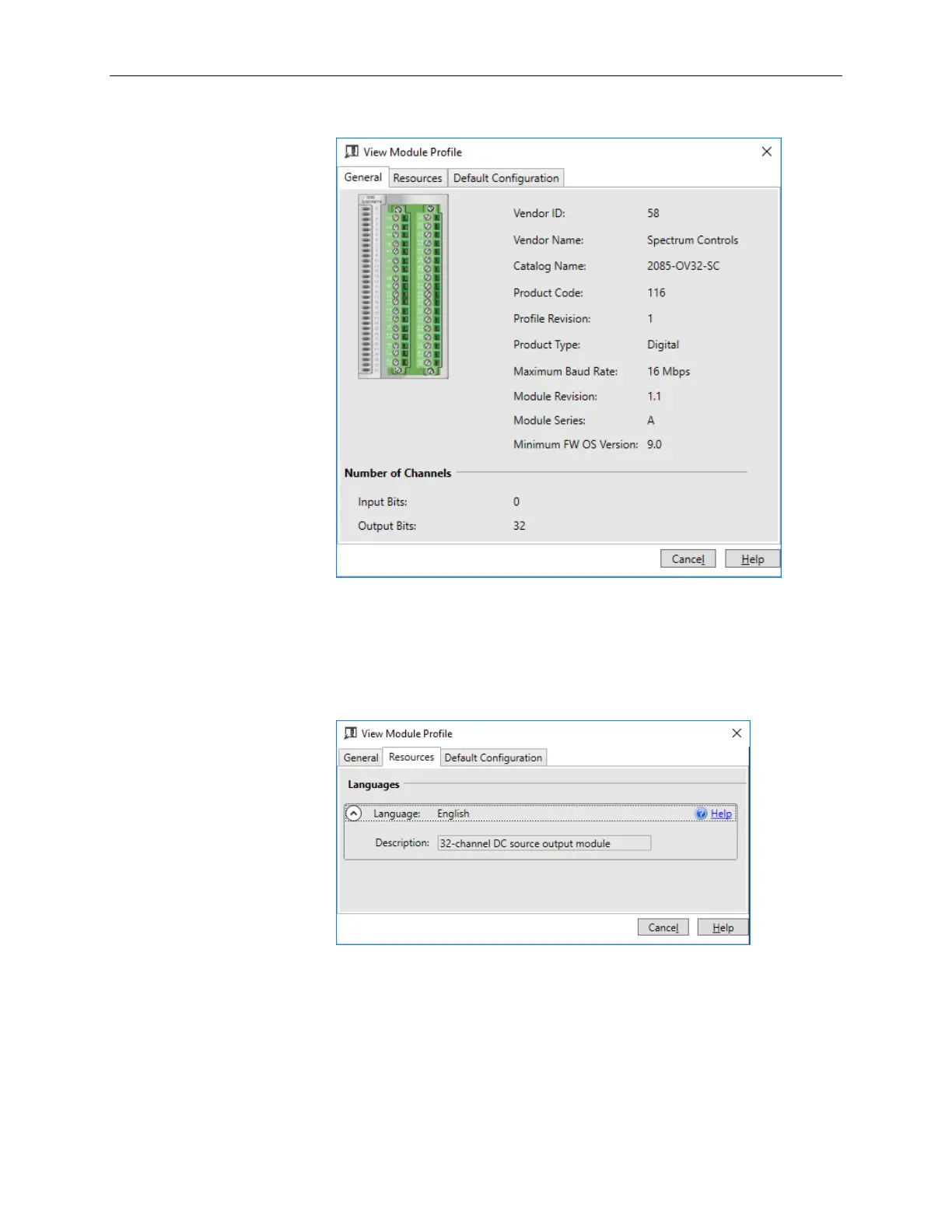
The first tab of the window provides the module identity information.
This information is described in greater detail in Module Identity, later
in this section.
4. To view software language availability, module description, and a help
file for the module, click the Resources tab.
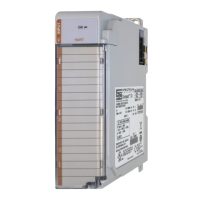
The Resources tab appears:
The window lists the language chosen for the module, and the module
description. You may also use this tab to access the help file provided for
the module.



 To Next Page