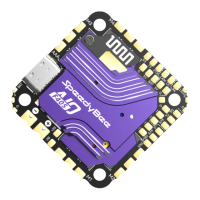
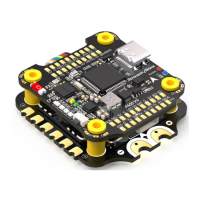
Pa2-Hardware Description
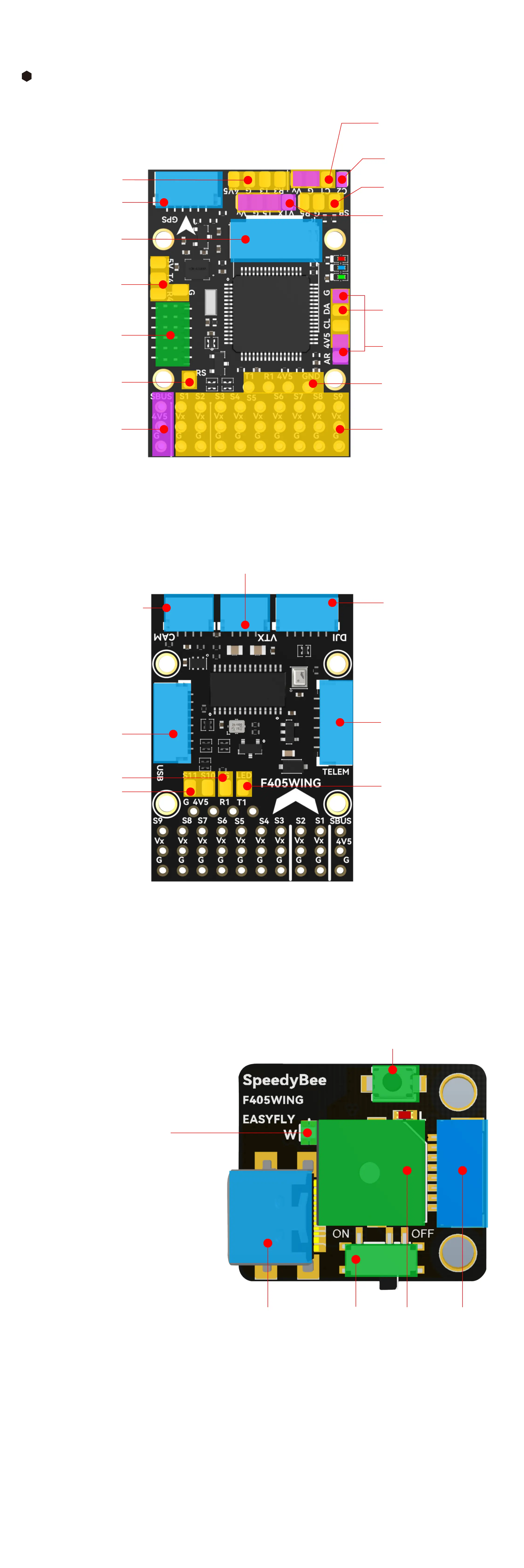
Layout
SDA
SCL
4V5
GND
TX3
RX3
GPS Inteace
(with Compass)
GPS Solder Pads
(without Compass)
Note: Vv and GND solder pads for VTX default
to batte power. If the camera or VTX only
suppos 5V, change the power supply jumper
option on the PDB board to 5V.
SH1.0 4P
SH1.0 4P
dual cameras switch suppo
Vv G C2
Vv G T5 R5 G SBUS
Vv G T5 VTX
4V5 CL DA G
AR 4V5 G
Vv G C1
The camera defaults
to batte power
MicroSD Card Slot
Telemet: Solder
or plug for R4 T4 signal
Connect to
PDB Board
RSSI Solder
Pad - Analog RSSI
input suppos up
to 3.3V
SBUS Input - Pin
header with reverse
circuit connected to RX2
motor and seo output pins
PWM1-9
connect ELRS/TBS receiver
using this inteace with the
ELRS receiver pins
analog airspeed tube
digital airspeed sensor
solder pads
analog VTX solder pads
HD VTX solder pads
FC Board Front
FC Board Back
USB Extender Front
RX6
BOOT0
BZ-
TX6
D+
D-
GND
4V5
USB Extender
connector
Analog camera connector
Analog VTX connector
GND solder pad
S10 S11 solder pads
CAM2
CAM1
GND
Vv
VTX
TX5
GND
Vv
SH1.0 6P
GH1.25 6P
HD VTX connector
Telemet connector
LED solder pad,
it can be conveed
to S12 output
SBUS
GND
RX5
TX5
GND
Vv
USB TYPE-C
connector
BOOT Button
Hold BOOT button while powering on to enter DFU mode to ash the rmware.
Note that the BOOT button sees other functions when the
ight controller is powered and running.
4V5
TX4
RX4
TX2
RX2
GND
Wireless Status Indicator
(RGB LED)
The wireless board has built-in
telemet function ,
which includes 4 RF modes:
Bluetooth BLE, Wi-Fi(AP),
Wi-Fi(STA), and wireless o mode.
Buzzer switch Buzzer FC Board
connector
Green Slow Flash: Bluetooth BLE not connected
Solid Green:Bluetooth BLE connected
White Slow Flash: Wi-Fi (AP) not connected
Solid White: Wi-Fi (AP) connected
Purple Slow Flash: Wi-Fi (STA) not connected
Solid Purple: Wi-Fi (STA) connected
RGB LED o: Wireless o.
Press BOOT button for 6 seconds to switch between 4 wireless modes. When the yellow LED
ashes rapidly and the device automatically restas, the switch is successful.
4V5
GND
D-
D+
TX6
BZ-
BOOT0
RX6



 To Next Page