11
EN
3. Move the sticks and switches on the transmitter to the desired failsafe
positions (low throttle and neutral control positions).
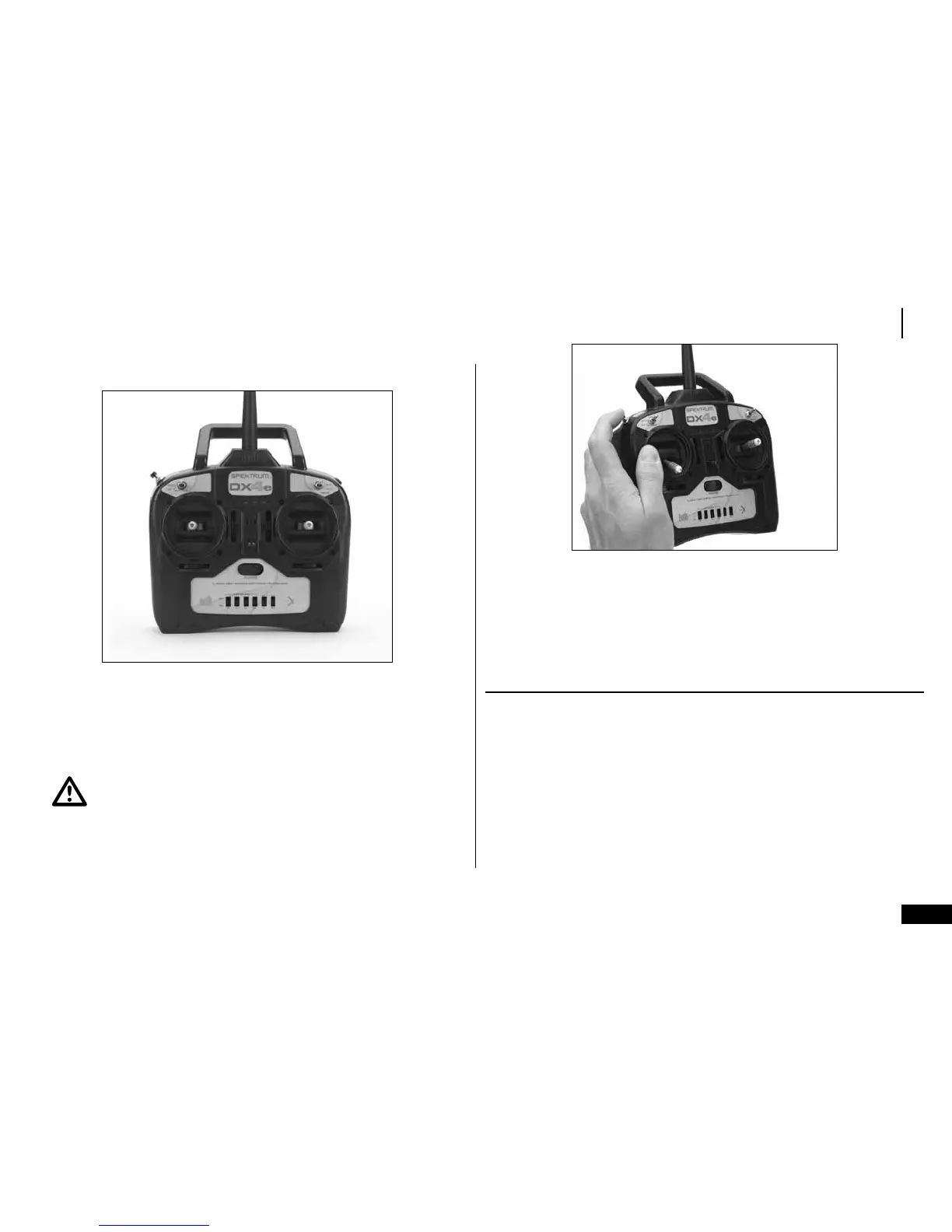
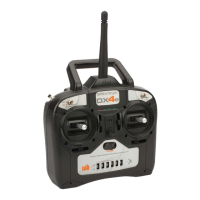
4. Press and hold the trainer button on the top of the transmitter while turning
on the power switch. Release the trainer button once the LEDs on the front
of the transmitter flash and you hear a series of beeps. Within a few seconds
the system should connect. Once connected, the LED on the receiver will go
solid indicating the system is connected.
CAUTION: Continuing to hold the trainer button during the binding
process prevents preset failsafe positions from being learned by the receiver.
5. Remove the bind plug from the BIND/DATA port on the receiver before you
power off the receiver. Store the plug in a convenient place.
6. After setting up your model, rebind the system so the true low throttle and
neutral control surface positions are programmed.
HOW TO RANGE TEST THE DX4E
Before each flying session, and with a new model, you should perform a range
check. The DX4e incorporates a range testing system. Placing the transmitter in
RANGECHECKmode,reducestheoutputpower,allowingarangecheck.
Note: Before performing the range check ensure the correct failsafe stick
positions are established.


 To Next Page