EasyManua.ls Logo

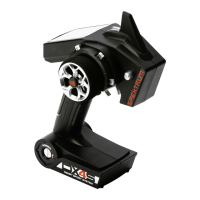
Spektrum DX4S - User Manual

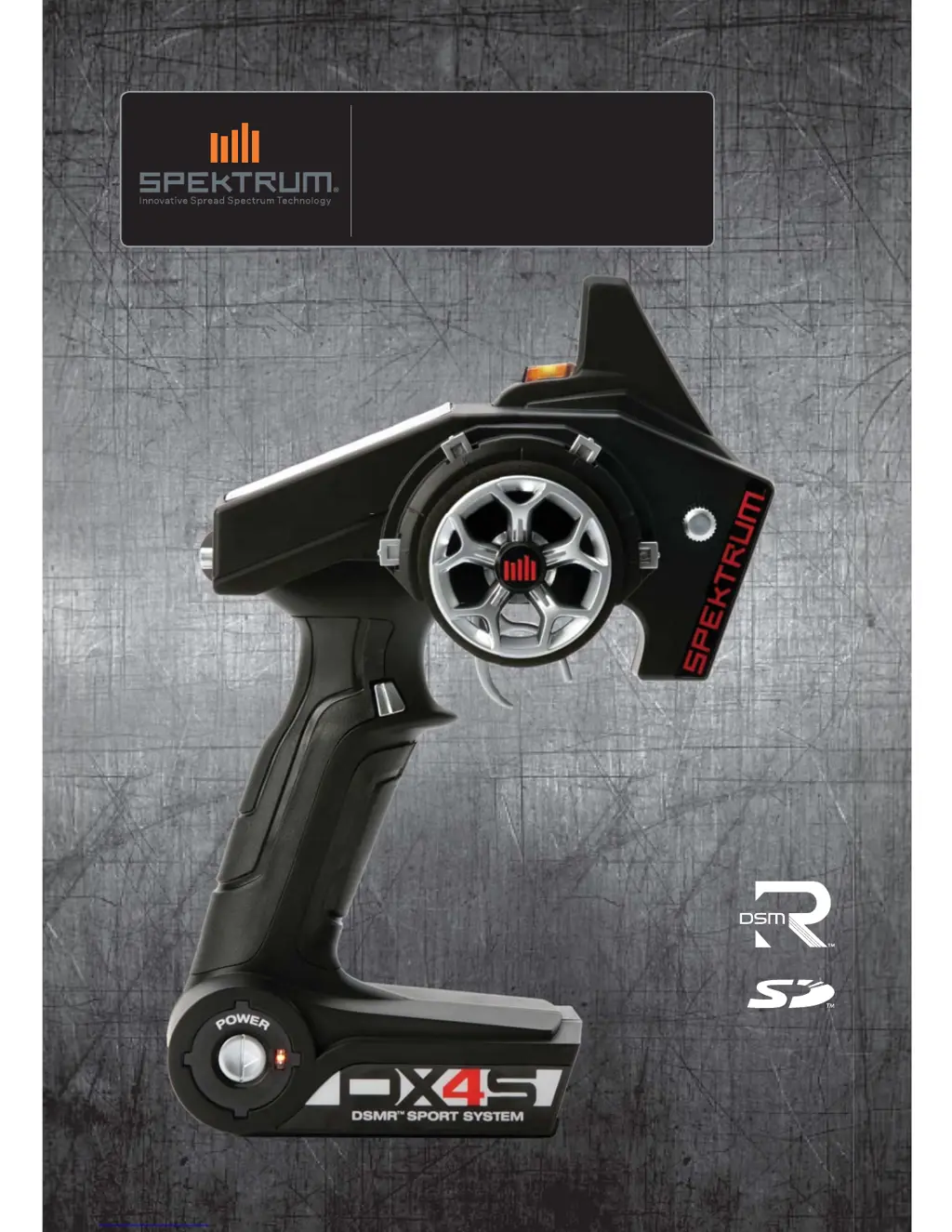
Spektrum DX4S
21 pages
Print Icon
To Next Page IconTo Next Page
Loading...
Instruction Manual
Bedienungsanleitung
Manuel d’utilisation
Manuale di istruzioni
DX4S
4-Channel 2.4GHz DSMR™ System

Questions and Answers

  • J
    josephthompsonJul 27, 2025
    What to do if Spektrum Remote Control receiver goes into failsafe mode a short distance away from the transmitter?
    • M
      Miranda BennettJul 27, 2025
      If your Spektrum Remote Control receiver enters failsafe mode close to the transmitter: * Check the receiver antenna for damage; if it's cut or damaged, consider replacement. * Ensure the receiver antenna is properly positioned inside an antenna tube and extends above the vehicle.
  • J
    Jeremy AndradeAug 1, 2025
    How to fix Spektrum Remote Control if receiver loses its bind?
    • K
      Katherine CooperAug 1, 2025
      If your Spektrum Remote Control receiver loses its bind, it's possible the transmitter accidentally entered bind mode, ending the bind to the receiver. To resolve this, bind the transmitter to the receiver again.
  • V
    Virginia BoyerAug 8, 2025
    Why my Spektrum Remote Control system will not connect?
    • O
      opowellAug 8, 2025
      There are several reasons why your Spektrum Remote Control system might fail to connect: * The transmitter and receiver may be too close. Move them 8 to 12 feet (2.4 to 3.6m) apart. * Large metal objects might be interfering. Move away from vehicles or other large metal objects. * The selected model may not be bound. Ensure the correct model memory is selected and that the transmitter is bound to the model. * The transmitter may have accidentally entered bind mode. Rebind the transmitter and receiver.
  • J
    jonespatrickAug 14, 2025
    What to do if Spektrum Remote Control receiver quits responding during operation?
    • A
      Amanda MartinAug 14, 2025
      If your Spektrum Remote Control receiver stops responding during operation, it could be due to: 1. Low battery voltage. Try completely recharging the battery. 2. Loose or damaged wires or connectors between the battery and receiver. Inspect the wires and connections, and repair or replace them as necessary.
  • V
    vloganAug 19, 2025
    Why is Spektrum Remote Control receiver taking longer than usual to link with transmitter?
    • J
      James FarrellAug 19, 2025
      If your Spektrum Remote Control receiver is taking longer than usual to link with the transmitter, it may be because the transmitter and receiver are operating on a Marine model. Marine receivers can take longer to link.

Summary

MEANING OF SPECIAL LANGUAGE

NOTICE

Procedures that may cause property damage, little or no injury.

CAUTION

Procedures that may cause property damage and serious injury.

WARNING

Procedures that may cause property damage, collateral damage, serious injury, or high probability of superficial injury.

SAFETY PRECAUTIONS

IDENTIFYING CONTROLS AND SWITCHES

INSTALLING BATTERIES

Installing Optional Li-Po Battery Pack

Changing the Rubber Grip

Updating the Firmware

ModelMatch

WARNING SCREENS

Low Battery Alarm

Alerts user when transmitter battery voltage is critically low.

Inactivity Alarm

Alerts user to power off transmitter after prolonged inactivity.

MAIN SCREEN

PROGRAMMING GUIDE

Using the Rolling Selector

Explains how to navigate and select functions using the rolling selector.

Individual Direction Adjustments

LIST

Model Select

Copy

Reverse

Travel

Exponential

RECEIVER COMPATIBILITY

Electric Vehicle Installation

Typical Nitro Vehicle Installation

Failsafe

Bind

Bind Transmitter to Receiver

Step-by-step guide for binding the transmitter to a receiver.

Sub-Trim

Timer

Switch

Mixing

Steer Mix

Manages four-wheel or dual steering.

4 WS (4-Wheel Steering)

Specific mix for rear steering in 4-wheel steer vehicles.

Dual ST (Dual Steering)

Mix for adjusting dual steering servos for different conditions.

Brake Mix

Creates brake bias between front and rear brakes.

Programmable Mix

Servo Speed

Trim Step

ABS (Automatic Breaking System or Pulse Brakes)

Throttle Punch

Reset

Monitor

System

List

Selects between Expert and Standard programming modes.

Display

Adjusts screen contrast and backlight settings.

Lang (Language)

Selects the display language for the transmitter interface.

Alert

Configures audible or vibration alerts for battery and timer events.

F Rate (Frame Rate)

Sets the receiver's response rate, affecting latency.

RF Mode

Selects standard or France-specific radio frequency modes.

RS Port

Configures the receiver port for the ROSS system connection.

Username

Assigns a custom name to the transmitter for identification.

About

Displays transmitter serial number and software version.

Telemetry

Rx Battery

Sets low voltage warning for the receiver's battery.

Temp Unit

Selects display units for temperature readings (Fahrenheit or Celsius).

Alert

Configures temperature alerts based on set thresholds.

Sp. Unit

Sets display units for speed (MPH, KM/H, RPM).

Zoom

Sets the maximum range for speed unit display.

Roll Out

Conversion factor for displaying speed in MPH or KM/H.

TROUBLESHOOTING GUIDE

FCC INFORMATION

Antenna Separation Distance

Guidelines for maintaining safe distance from the antenna for RF exposure.

1-YEAR LIMITED WARRANTY

What this Warranty Covers

Details what defects are covered by the warranty.

What is Not Covered

Lists exclusions from the warranty coverage.

Purchasers Remedy

Outlines the purchaser's options for warranty service.

Limitation of Liability

States Horizon Hobby's liability limits for damages.

Law

Governs the warranty terms and user rights.

WARRANTY SERVICES

Questions, Assistance, and Services

How to get help and support for the product.

Inspection or Services

Procedure for submitting the product for inspection or service.

Warranty Requirements

Conditions required for warranty consideration.

Non-Warranty Service

Details for obtaining service not covered by warranty.

WARRANTY AND SERVICE CONTACT INFORMATION

PARTS CONTACT INFORMATION

COMPLIANCE INFORMATION FOR THE EUROPEAN UNION

Instructions for disposal of WEEE by users in the European Union

Guidance on proper disposal of electronic waste in the EU.

Declaration of Conformity

Statement of compliance with EU regulations.

Spektrum DX4S Specifications

General IconGeneral
InterfaceRF Wireless
Input typePress buttons
Product colorBlack
Remote control proper useGame console
Built-in displayYes
Maximum range- m
Channels quantity4 channels
Number of devices supported-
Battery typeAA
Battery technologyAlkaline
Quantity per pack1 pc(s)
Weight and Dimensions IconWeight and Dimensions
Weight- g

Related product manuals