101501-565 Rev C Page 9 of 58
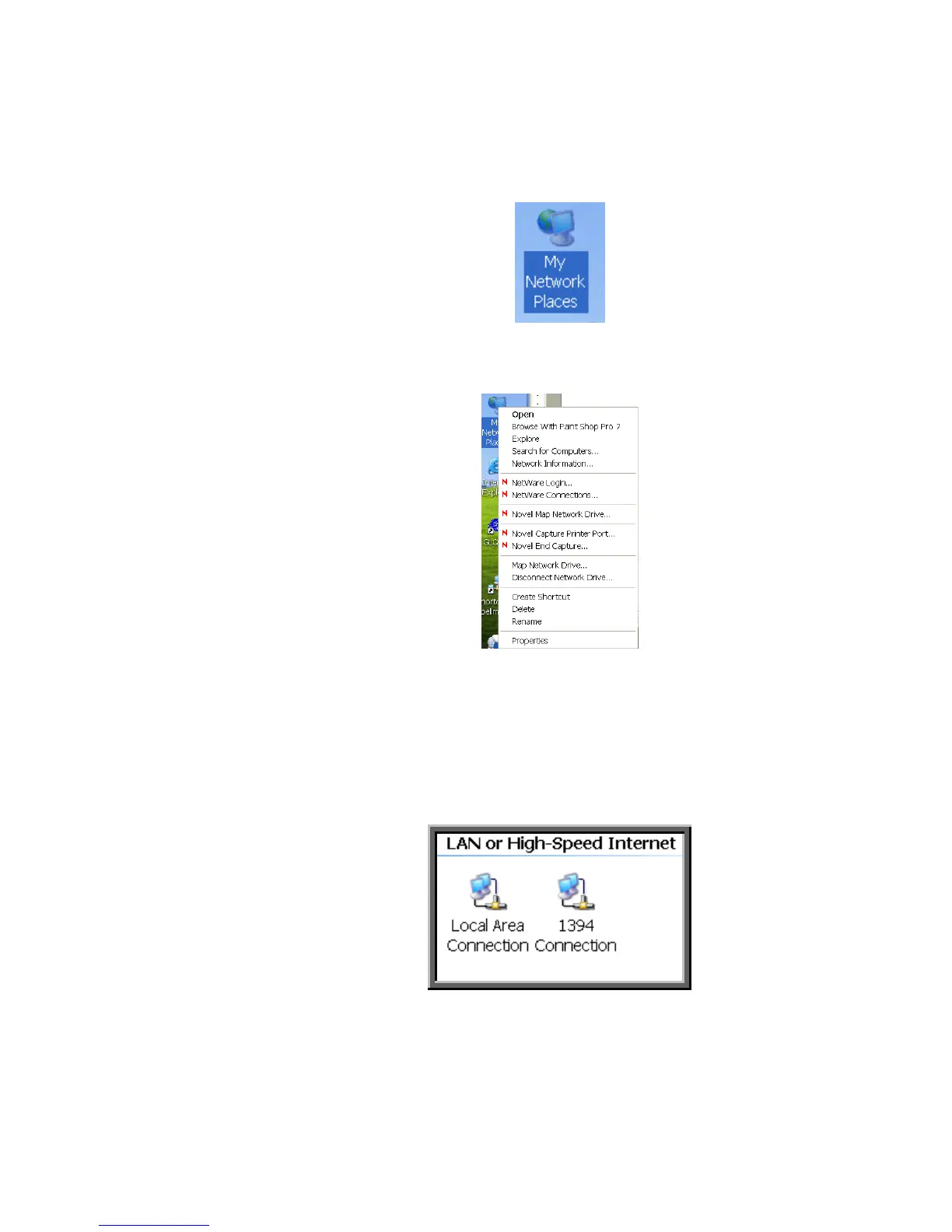
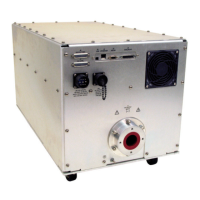
Here are the steps on Windows XP. On the desktop right click on
“My Network Places” and select properties at the bottom of the
menu.
Figure 16 – Right Click on Desktop
Figure 17 – Select Properties
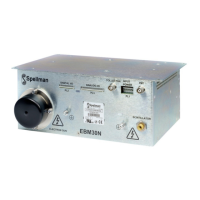
After selecting properties you are brought up to the screen below
(Figure 18). You must RIGHT CLICK and select Properties on
Local Area Connection, and not double click which will display a
window similar to figure 19.
Figure 18 – Here you must Right Click and Select Properties


 To Next Page