11-7
13.5.2 10.1”Device
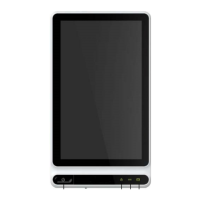
Front View
No. Name Description
5 Power On/Off
Press this key to turn on the device.
Press and hold this key for about 5 seconds to turn
off the device.
Press and hold this key for no less than 10 seconds
to forcibly shut down the device if it could not be
shut down normally.
6
Power-on
indicator
Green: the device is on
Off: the device is off
7
indicator
Green: DC power connected
Off: DC power disconnected
8 Battery indicator
Green: the battery is fully charged.
Yellow: the battery is being charged.
Off: The battery is not charged.
2
1
3
4

 To Next Page
 Loading...