11-4
and make sure that the paper is installed with the paper’s grid side
facing up.
3. Pull out the paper from the paper outlet of the recorder base and
close the paper compartment cover.
14.3.4 Connecting the Device to the Base
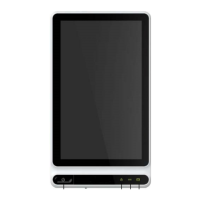
Connect the device to the recorder base as shown in the figure below:
1
4.3.5 Connecting AC Power to the Base
To connect the AC power to the base, follow the steps below:
1. Insert the three-wire plug of the power cable into an AC receptacle.
2. Insert the other end of the power cable into the AC power input on
the base.
3. Check whether the AC power indicator is on to ensure that the AC
power supply is connected well.
14.3.6 Connecting the Grounding Cable
When using the device together with other devices, connect their
equipotential grounding terminals together with grounding cable to
eliminate the potential differences between them.
14.3.7 Using the DC Power Source
To connect the DC power supply to the device, follow the steps below:
1. Insert the two-wire plug of the DC adapter into an AC receptacle.
2. Insert the connector of the DC adapter into the DC port of the device.


 To Next Page
 Loading...