Installation and Maintenance Manual
System Configuration
8 Installation and Maintenance Manual v4/0615/10
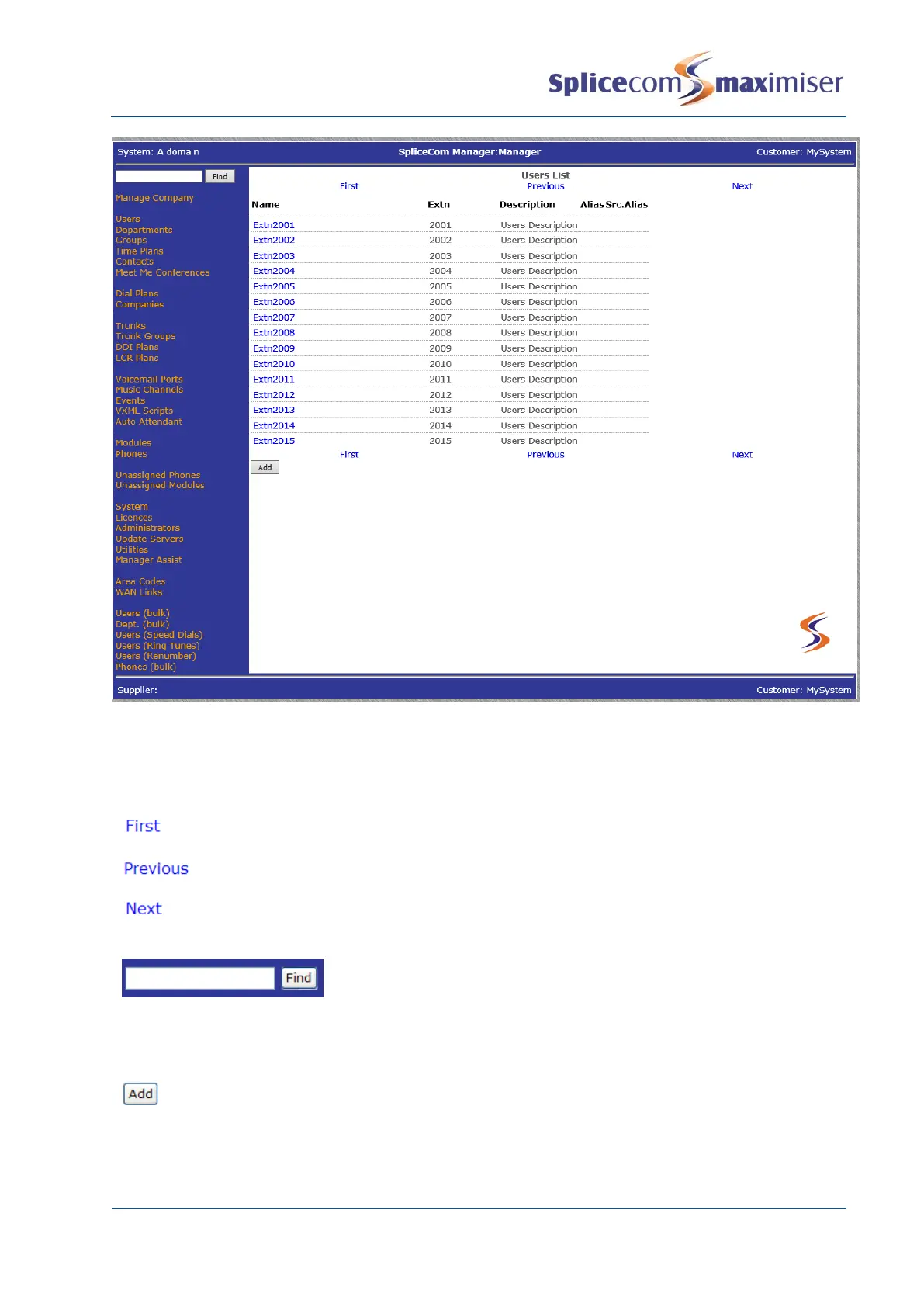
The following options will assist you to navigate and configure the database:
Navigate within a list of entries
Display the first page of entries
Display the previous page of entries
Display the next page of entries
When a list of entries is displayed the Search box will be available at
the top of the navigation pane. Enter the specific entry you wish to
find in the Search box and then select Find or press Enter. The entry
required will appear at the top of the list. If the Search box is empty,
the Find button will take you to the top of the list.
Create a new entry. In most instances this will open a new configuration form for completion.
If you have created a new entry in error you must select the Delete button to remove it.
Cancel will only exit the configuration form and the new entry will be listed as
newDepartment, newTimePlan and so on.



 To Next Page