Using a Wild Card in a Menu Item
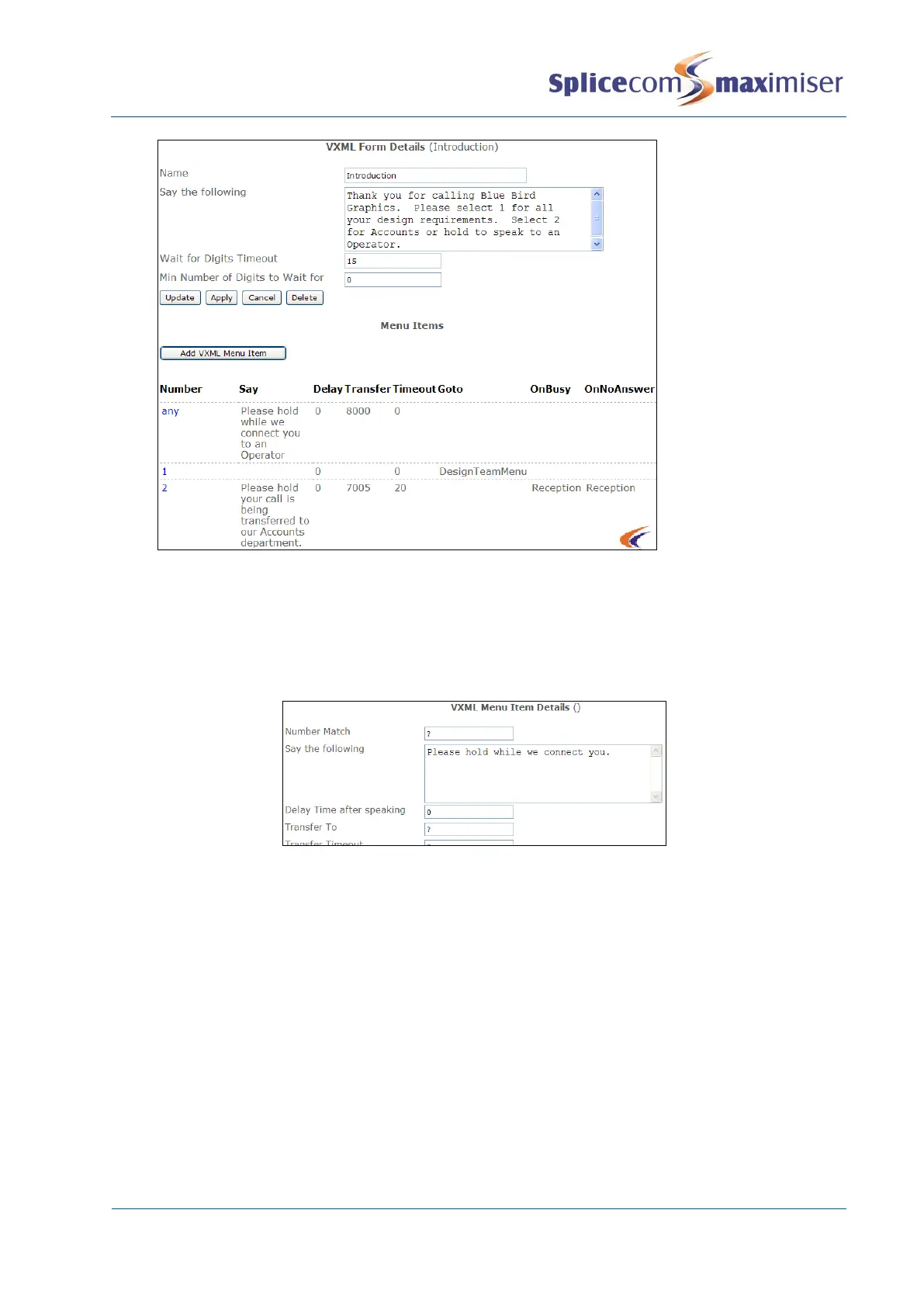
Where a large number range is to be used within a Form, for example when offering a caller the option
to dial an extension number if known, a question mark (?) in the Number Match field of a Menu Item will
match any number entered, as shown in the example below.
Please note that this option will allow callers to dial any number. It is therefore recommended that a Dial
Plan is added to the relevant Voicemail Port to restrict the type of numbers that can be dialled, eg block
international calls, restrict to internal numbers only, etc.
Using Variables
The following variables can be used in the “Say” fields to provide the following information:
%n = number (eg the caller’s selection or Transfer To extension no)
%s = source number of the caller
%c = caller’s name if the caller’s CLI matches an entry within the Contacts database
%o = originator’s caller ID



 To Next Page