Working with Trunks
The Trunks section of the configuration enables the configuration of ISDN, SIP, H.323 and DPNSS
connections to the system.
The following number of concurrent connections (trunks) are supported:
S8004-S8050 – 68
S8100 – 120
S716 – 15
5100 – 68
5108 – 8
5500 NSG – 34
5200 Trunk – 30
I208 – 8
I230 – 30
One system can support up to 5,000 simultaneous connections.
The following number of connections are supplied by default with a system:
S8004 Starter Pack – 4 channels
S716 Starter pack – 2 channels
5100 Call Server –BRI1- 2 channels, BRI2 – 2 channels, PRI1 – 1 channel.
5108 Call Server – BRI1 – 2 channels
5500 NSG – BRI1 – 2 channels, BRI2 – 2 channels
I208 – BRI1 – 2 channels
I230 – PRI1 – 8 channels
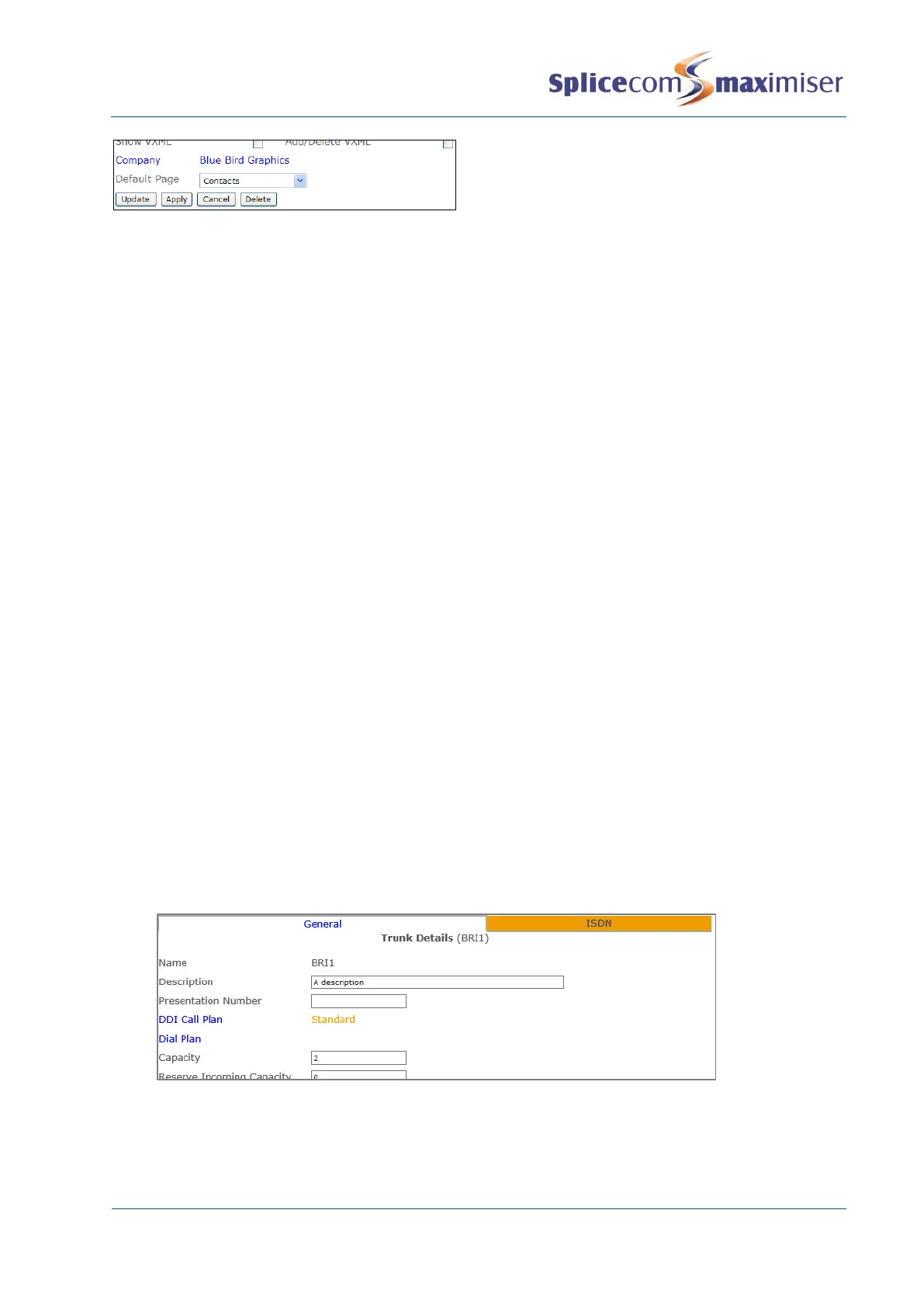
This default configuration can be viewed as follows:
1 In Manager select Trunks
2 Select the module containing the Trunk you wish to view, eg CallServer
3 Select the ISDN trunk you wish to view
4 The Capacity field indicates the number of channels available on this Trunk.
The 4100 Call Server and 4200 Trunk module are provided with four BRI ports providing 8 ISDN channels
and a PRI port however to activate a PRI channel a Trunk licence is required. The 4140 Remote Call
Server is provided with four BRI ports making 8 ISDN channels available, 4 channels are active on



 To Next Page