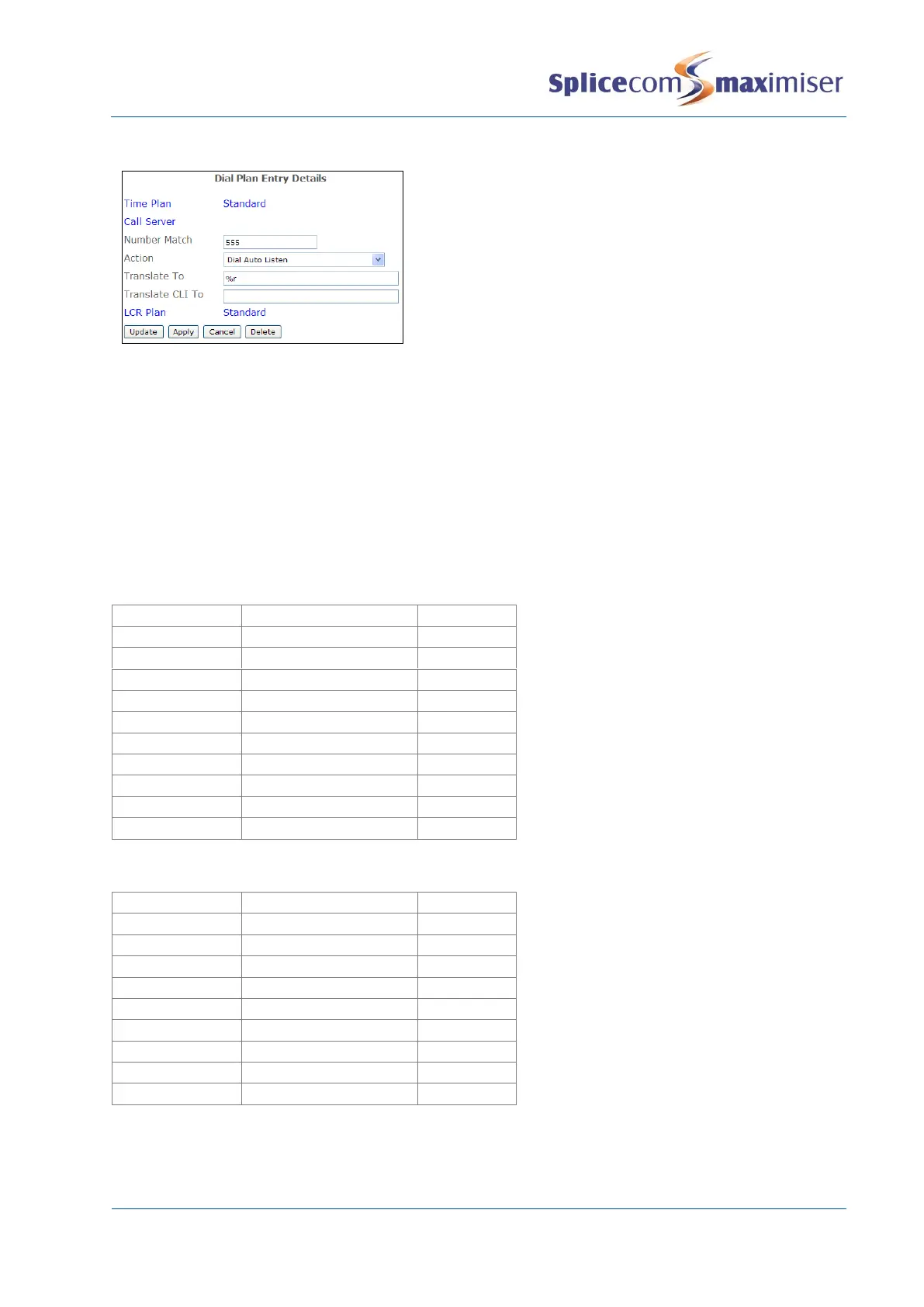
The extension number to be monitored is entered in
the Translate To field. Therefore, in this example the
User would dial, for example, 5552042.
Default Dial Plan entries
Files containing ready-made Dial Plan entries are available with the system and can be imported into
configuration as described in the Importing and Exporting the Configuration section from page 264.
These files also contain the Dial Plan entries required for use with the pre-programmed buttons on the
PCS 10 and PCS 520 analogue handsets, and the Dial Plan entries required to match the System Feature
Guide displayed on the PCS 5 and PCS 505. Dialplan.txt contains the entries required for the PCS 5,
PCS 10, PCS 505 and PCS 520. Dialplan520.txt contains the entries required for the PCS 520. These entries
can be created manually if preferred.
Dial Plan entries required for the PCS 520



 To Next Page