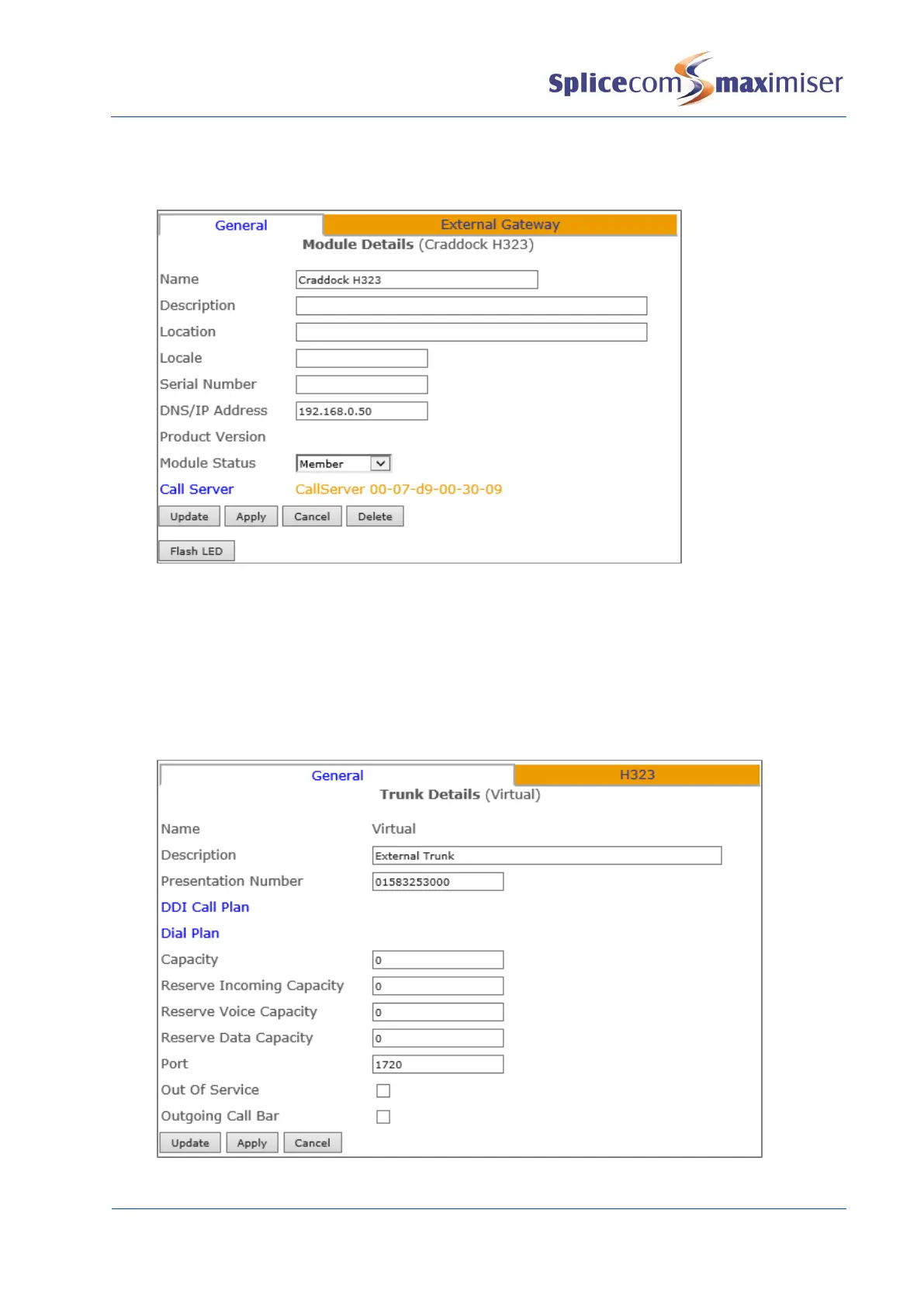
6 Select the Call Server field
7 From the Select Call Server list select the Call Server to which this H.323 Gateway is to be registered.
8 Select Update or Apply when ready.
9 From the navigation pane select Trunks
10 Select the Module created above
11 From the Trunk List select Virtual
12 In the Presentation Number field enter the number to be sent on this Trunk.
13 Select Apply
14 Select the DDI Call Plan field
15 From the Select DDI Plan list select the DDI Plan required.
16 In the Capacity field enter the number of connections to be allowed on this link.



 To Next Page