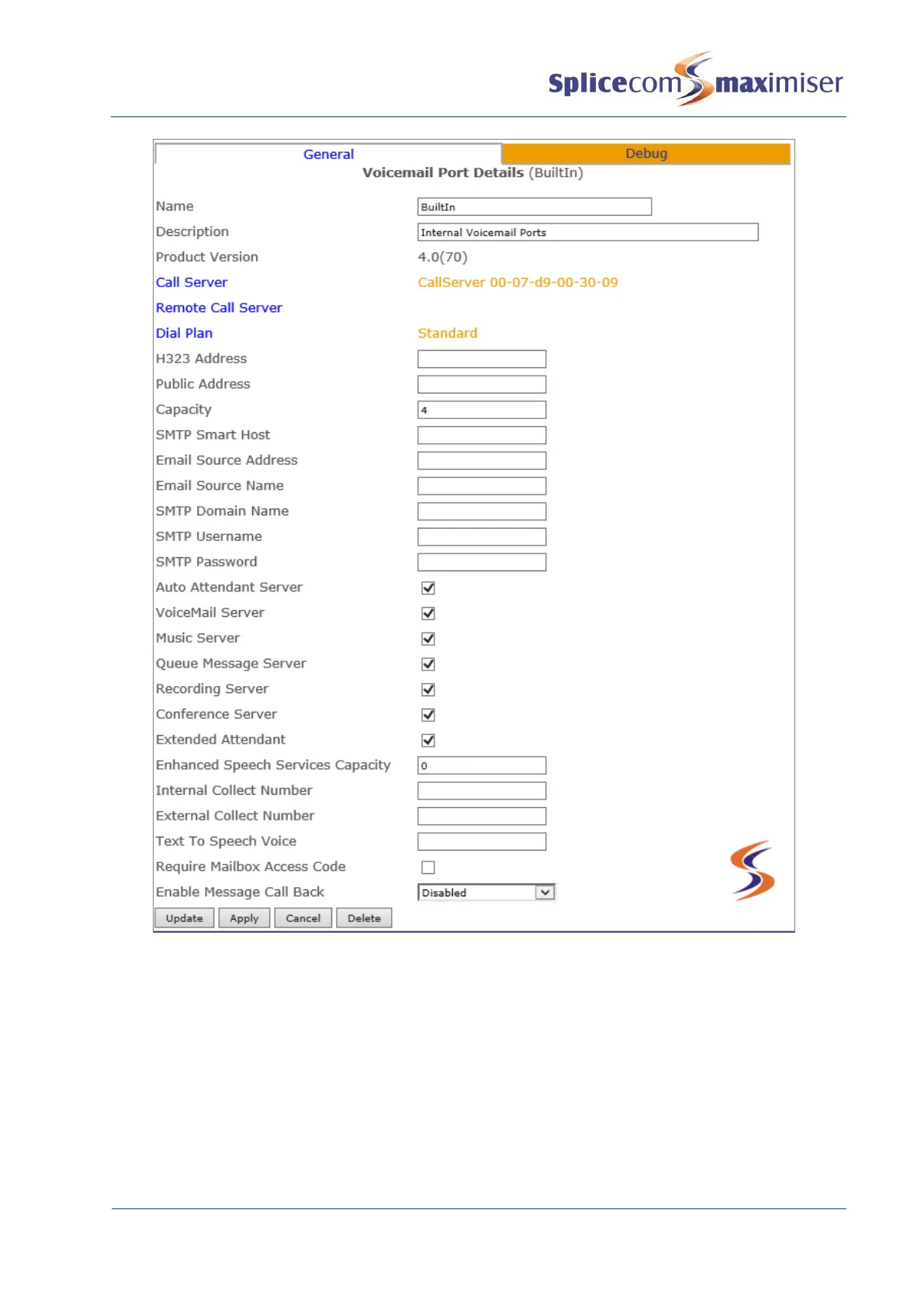
Creating a Voicemail Port for use with an external voicemail server
If voicemail is running on an external server an additional Voicemail Port must be created as follows:
1 In Manager select Voicemail Ports
2 Select the Add button
3 Enter a Name for the Voicemail Port, using alpha-numeric characters only, begin with a letter and
do not use any punctuation. This port must not be called BuiltIn
4 Enter a Description if required.
5 Select Apply
6 Select the Dial Plan field.



 To Next Page