Installation and Maintenance Manual
Working with Voicemail
Installation and Maintenance Manual v4/0615/10 231
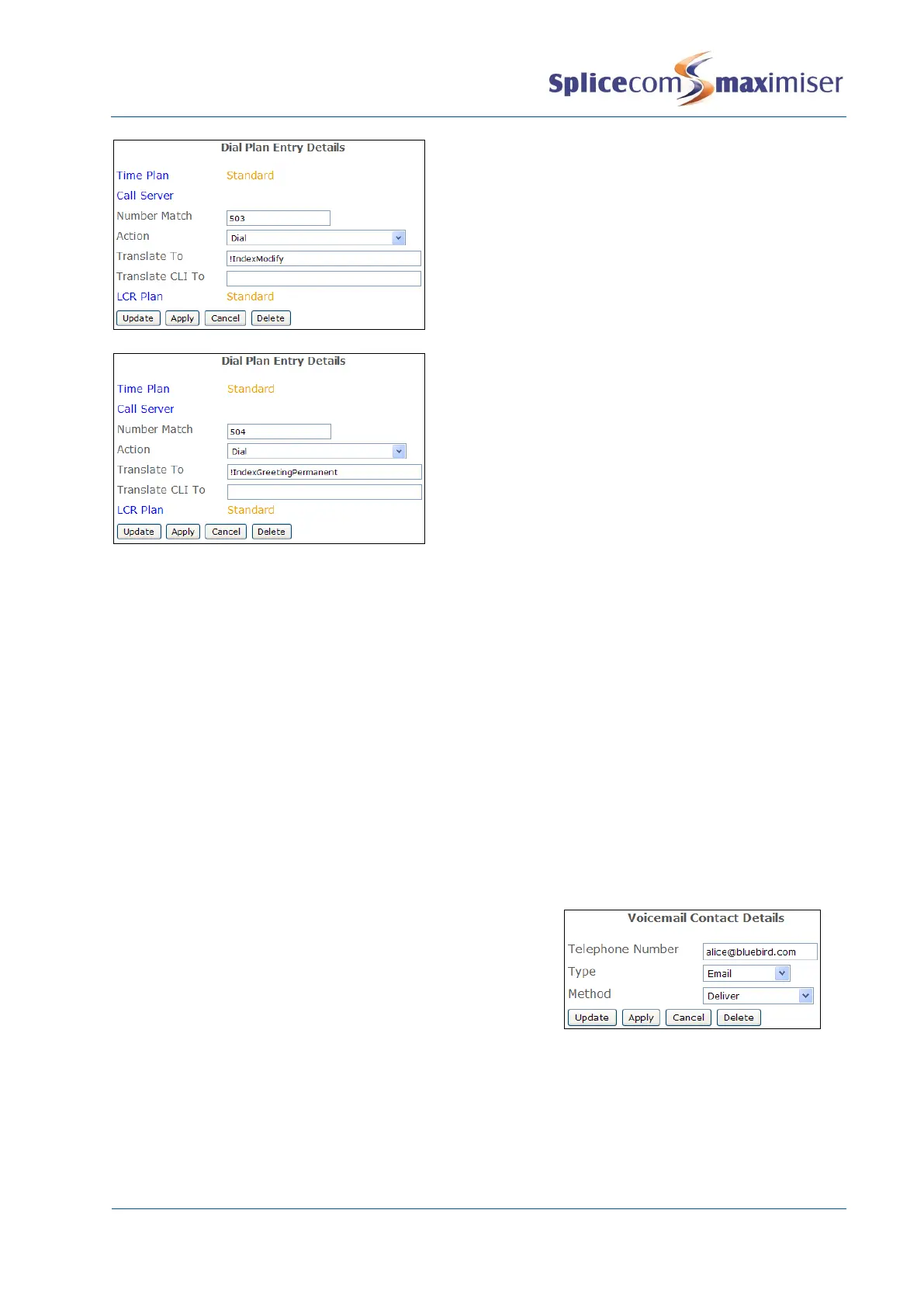
This example Dial Plan entry will allow access to
change their setting, such as their voicemail access
code, for example. Programme the Modify button
to dial this entry.
This example Dial Plan entry will allow Users to
recording their permanent greeting.
Setting up Voicemail Email
A User may wish to be notified by email that they have received a new message, or they may wish to
have their new messages sent to an email account, or they may wish to manually forward a message to
email as and when they require. In order to allow all this functionality on the maximiser system Voicemail
Email must be configured as follows.
1 In Manager select Voicemail Ports
2 Select the required Voicemail Port
3 Within the Email Smart Host field enter the IP address of the SMTP mail server
4 Within the Email Source Address enter the name of the account that will be displayed in the From
field of an email.
5 Select Update or Apply when ready.
Configuring a User to utilize this facility
1 In Manager select Users
2 Select the User required
3 Select the Voicemail page
4 Select the Add Voicemail Contact button (at the bottom of
the page)
5 In the Telephone Number field enter the email address to
receive the messages.
6 From the Type list box select Email
7 From the Method list box select the delivery method required:
a None – User can manually send a voicemail message to an email address by pressing 5 and
then 3 after listening to the message or via their PCS.
b Alert – inform the User of a new voicemail message via an email message
c Deliver – send the new voicemail message in an email message. The voicemail message will
be marked as old on the voicemail server and deleted after 7 days.



 To Next Page