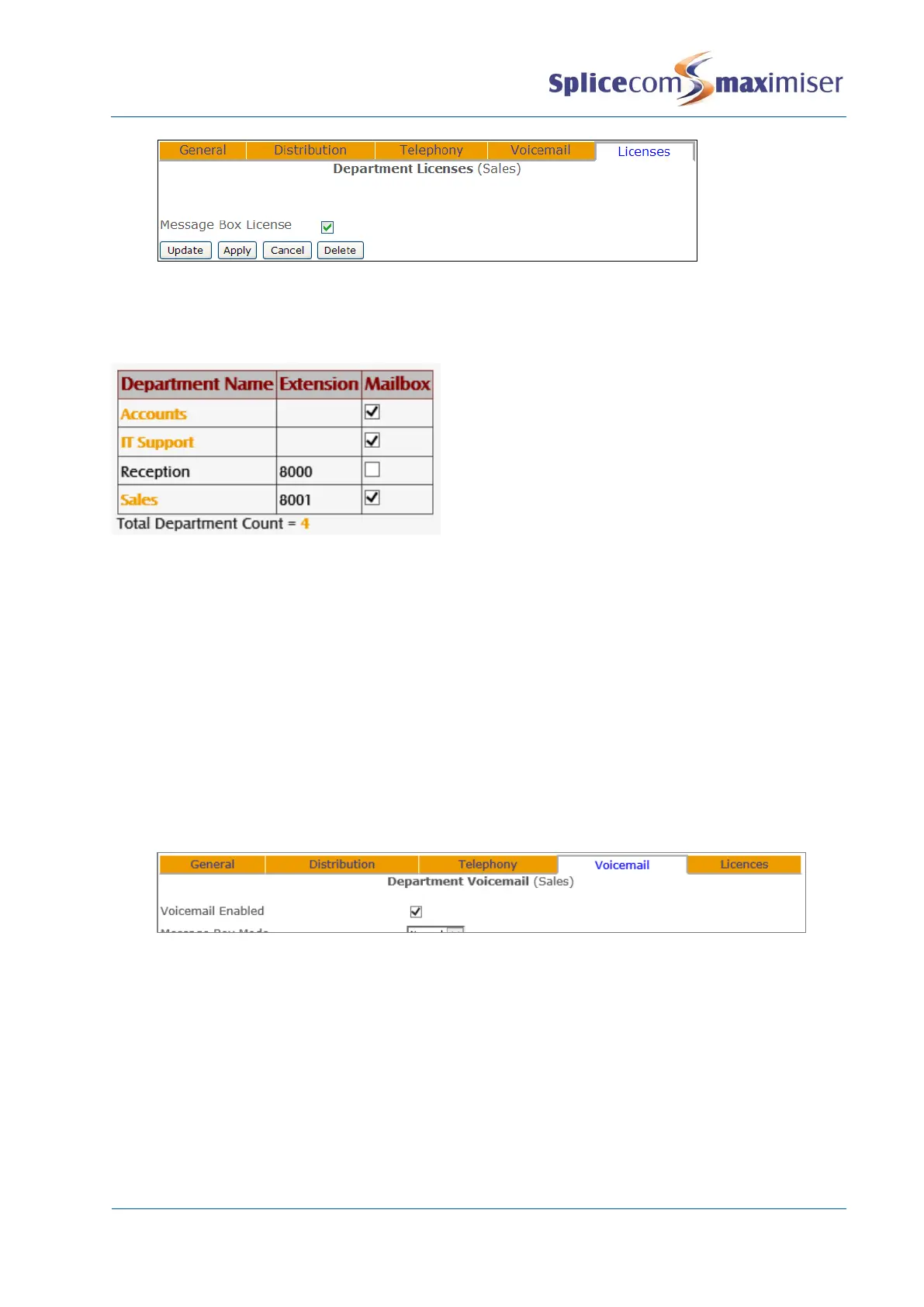
If there are insufficient licences available these settings will not be saved.
MessageBox licences can be assigned,remove or viewed for each Department within Manager Assist.
Select Configuration Aids and then under Departments select System Licences
Once a MessageBox licence has been assigned, a Department will have use of the following facilities:
x Listen to messages (as described in the Accessing voicemail section from page 238).
x Users will be able to transfer calls to the Department’s voicemail (as described in the Transfer to
Voicemail section from page 235).
x Call recording (as described in the Call Recording section from page 256).
Further voicemail functionality can be provided to a Department by configuring the Voicemail Enabled
option as follows:
1 In Manager select Departments
2 From the Departments list select the Department required
3 Select the Voicemail page
4 Tick the Voicemail Enabled field
5 Select Apply
Once this option has been enabled callers to a Department will be transferred to voicemail after the time
specified in the Max No Answer Time before Voicemail field as described in the Routing Department calls
to voicemail section from page 235 or Out of Hours Max No Answer Time before Voicemail field as
described in the Routing Department Calls to voicemail out of hours section from page 236.
Specifying the Call Server providing voicemail functionality
The Current Home field within the Department’s General page determines which Call Server is providing
the Department with the voicemail service. This is relevant when a system consists of multiple Call
Servers and it is necessary to know which Call Server is storing the Department’s messages and to ensure
the correct Call Server is being used.



 To Next Page