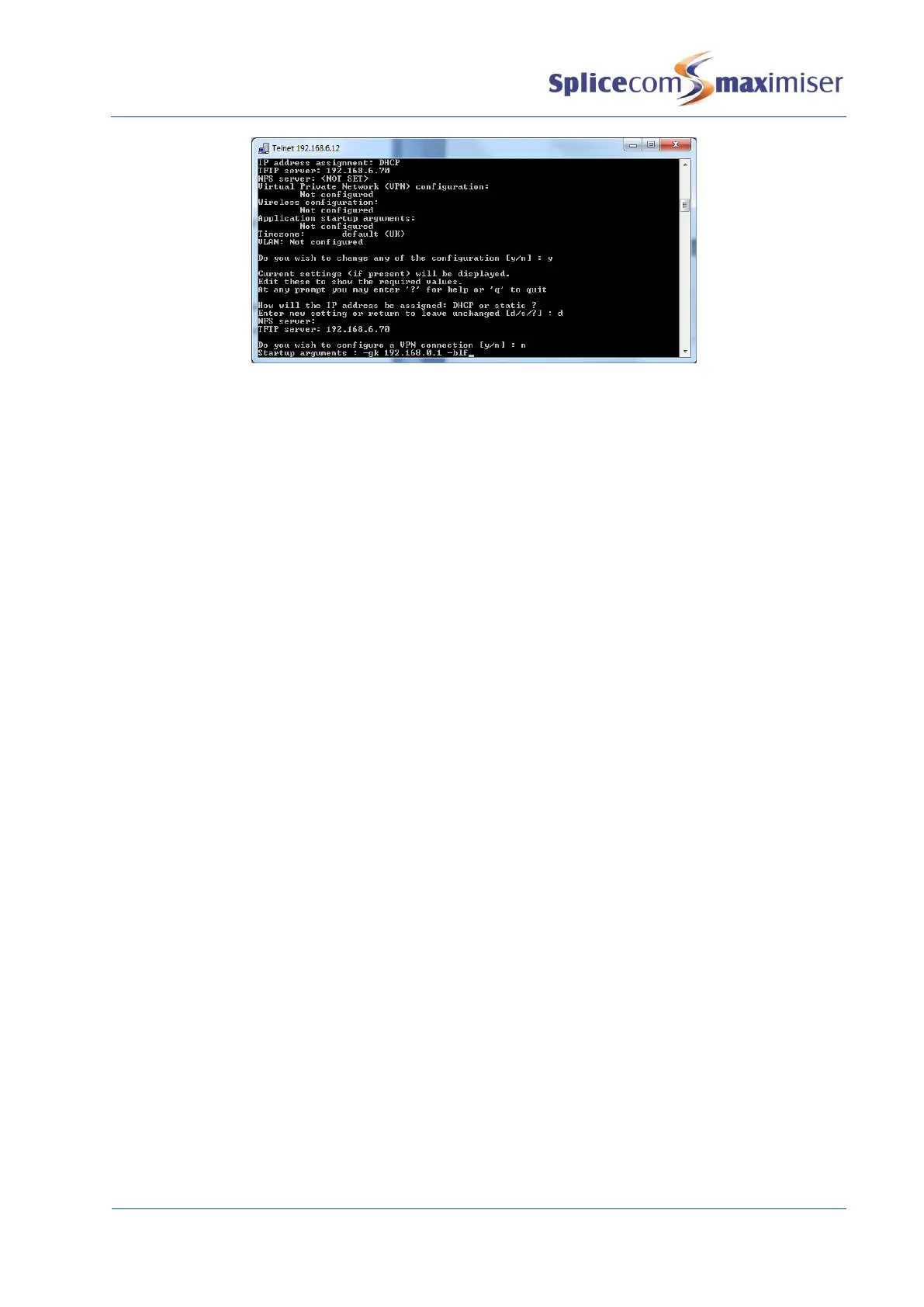
If there are more than one remote IP Phone connected to the system one of these phones can be
configured to collect the BLF data from all the remote phones and send this to the system.
This can be achieved by entering –relay after the IP address, eg –gk 192.168.0.1 –relay. The other
phones would then just be configured with the IP address of the call server, eg –gk 192.168.0.1.
It is recommended that no more than 5-6 remote IP phones should be configured to use this facility in
order to keep the overhead on the Call Server to a minimum.
To remove this entry repeat steps 1 and 2 above. Delete the entry within Startup arguments and press
Enter. Continue with steps 4, 5 and 6 above.
Configure a Failover Gatekeeper
PCS 582GX, PCS 5x3, and PCS 542 handsets can be configured with an alternative Call Server IP address
which the handset can register to if the Call Server that the phone originally registered to fails. This can
be set either via Manager Assist>Configuration Aids>WebSetnet or via Setnet and the following is entered
in the StartUp Args field:
-gk <ip address of the call server the handset is register to> -gk <ip address of the failover call server>
eg –gk 192.168.0.1 –gk 192.168.0.50
An additional setting can be added to the command to specify the time the handset should register back
to the first Call Server, if a handset does failover to the second Call Server,. This is entered at the end
as -gktime <time in 24 hour clock>.
eg –gk 192.168.0.1 –gk 192.168.0.50 -02:30
If a time is not added to the command and a handset fails over to the second Call Server, when the first
Call Server becomes available again, if required, the handset can be forced to unregister from the failover
Call Server via Manager Assist>System Utilities>IP Addresses. Tick the handset required and select the
Unregister button. The phone will register with the first Call Server entered in the StartUp Args field,
assuming that this Call Server is running and reachable.



 To Next Page