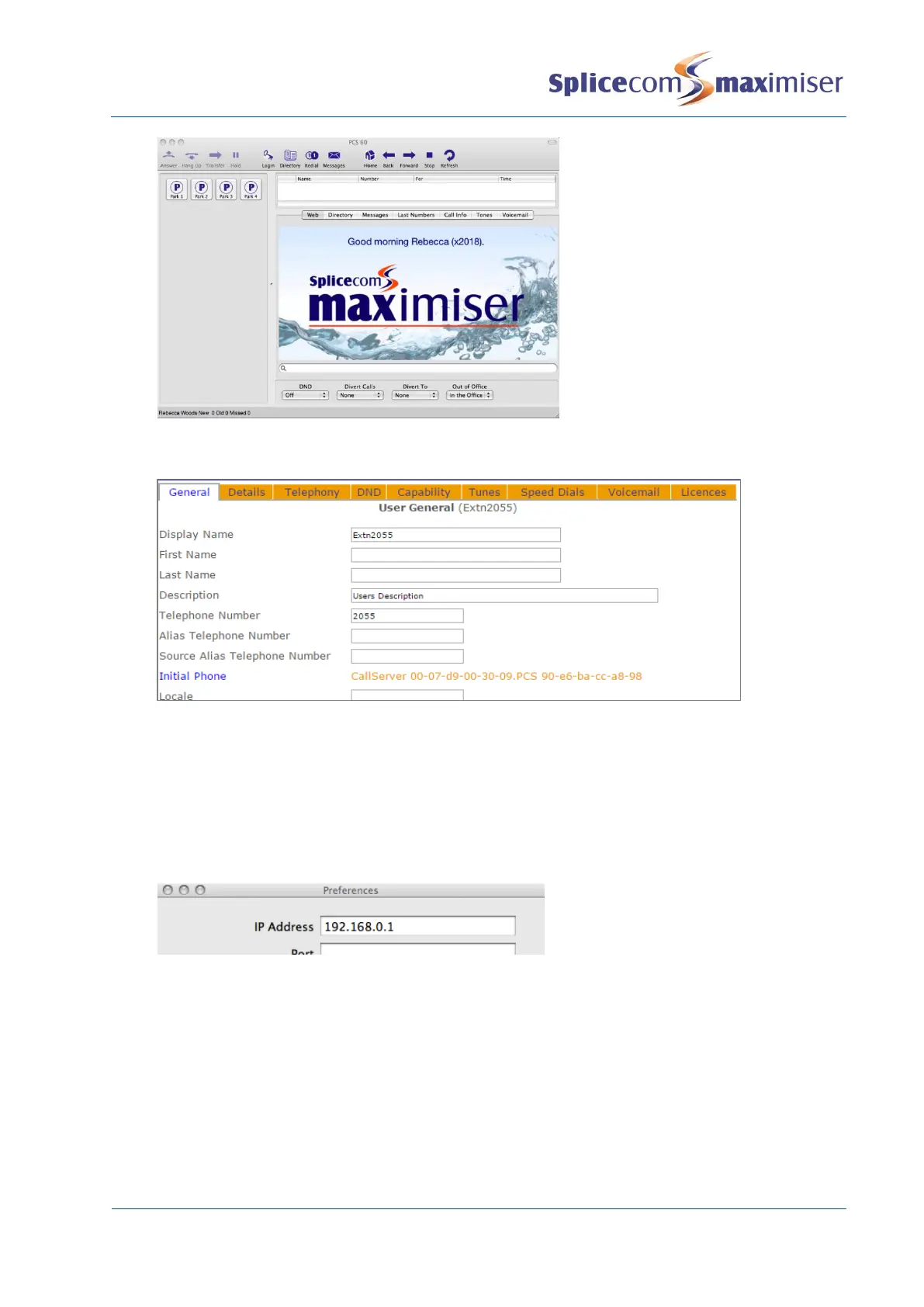
The User’s Initial Phone field displays the PCS 60 that the User is assigned to, identified by the
hardware address of the PC.
Connect to the Call Server remotely
If the PCS 60 is to be run remotely over, a different subnet, a VPN, for example, the application must be
configured with the IP address of the gatekeeper, in other words the Call Server, before the registration
process can take place.
1 From the PCS60 menu select Preferences
2 In the IP Address field enter the IP address of the Call Server, eg 192.168.0.1
3 Tab to the next field
4 Close the window
5 Close down the PCS 60 and run the software again.
Remote BLF
If the call server is to collect BLF information from this remote PCS 60 IP Phone the Remote BLF option
should be enabled as follows.
1 From the PCS 60 Menu select Preferences
2 Tick Remote BLF
3 Close down the PCS 60 and run the software again.



 To Next Page