89
APPLICATION DE FITNESS COMPATIBLE
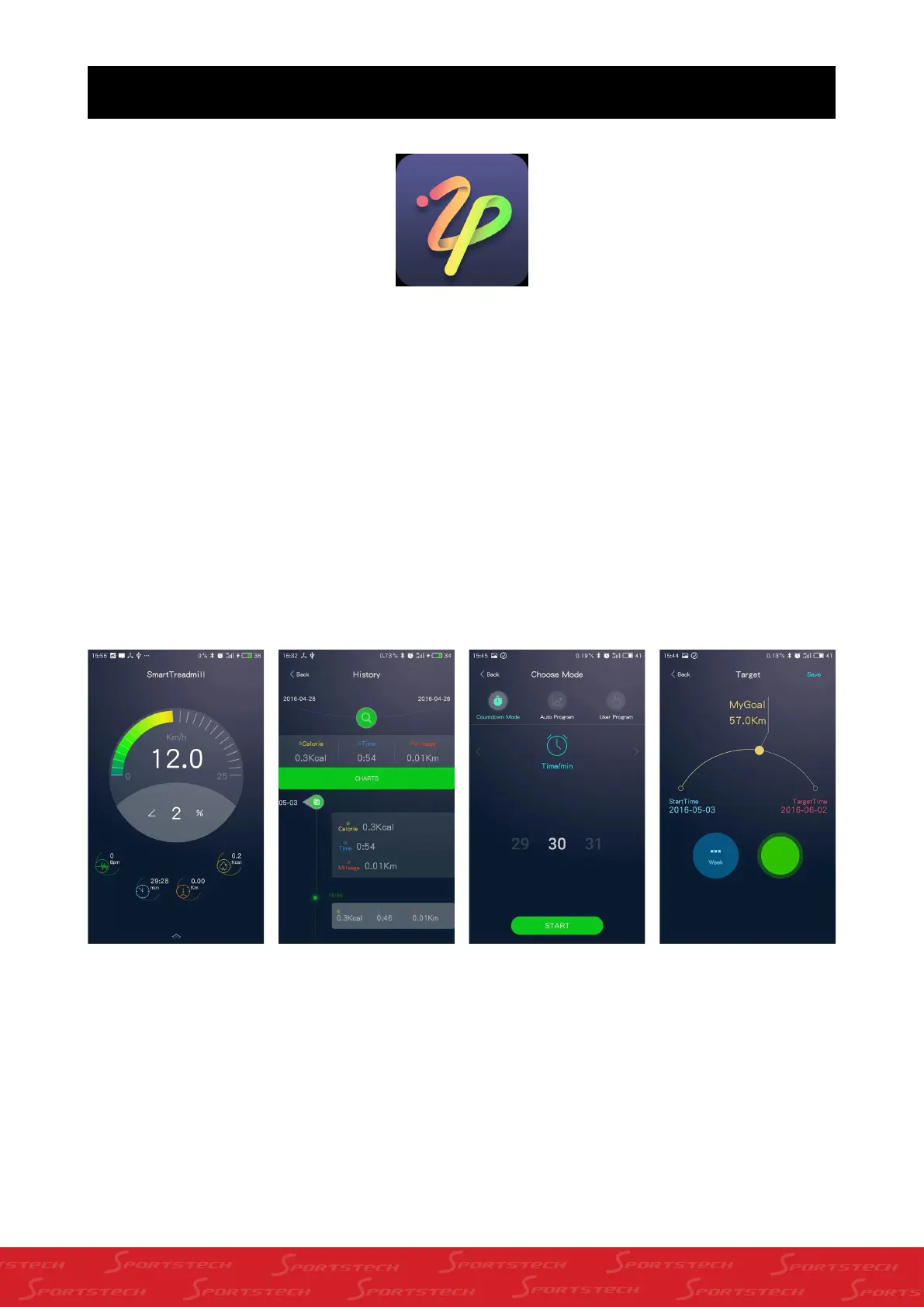
Tout d’abord, vous devez télécharger l'application bluetooth sur votre téléphone, puis ouvrez l’APP et connectez la au
tapis roulant, une fois que la connexion est établie, vous pourrez contrôler votre tapis roulant par votre téléphone.
REMARQUE: Le système Android téléphone doit être au moins android 4.3, pour la version Apple OS: elle
doit être IOS 7.0
POUR TROUVER L’ADRESSE DE TÉLÉCHARGEMENT DE L’APPLICA-
TION IL FAUT:
Apple OS:entrez recherche apple store "SMART TREADMILL"on votre téléphone, vous trouverez "SMART TREADMILL"
puis l'installer.
Aller sur "play.google.com" sur votre téléphone,et cherchez l’application "SMARTTREADMILL",vous allez trouver
l’application "SMART TREADMILL", installez la, au cas où vous ne trouvez pas l’application, contactez nous.



 To Next Page