44
7.3 MANUAL MODE
In this mode, you set the machine to fixed parameters that do not change during your workout.
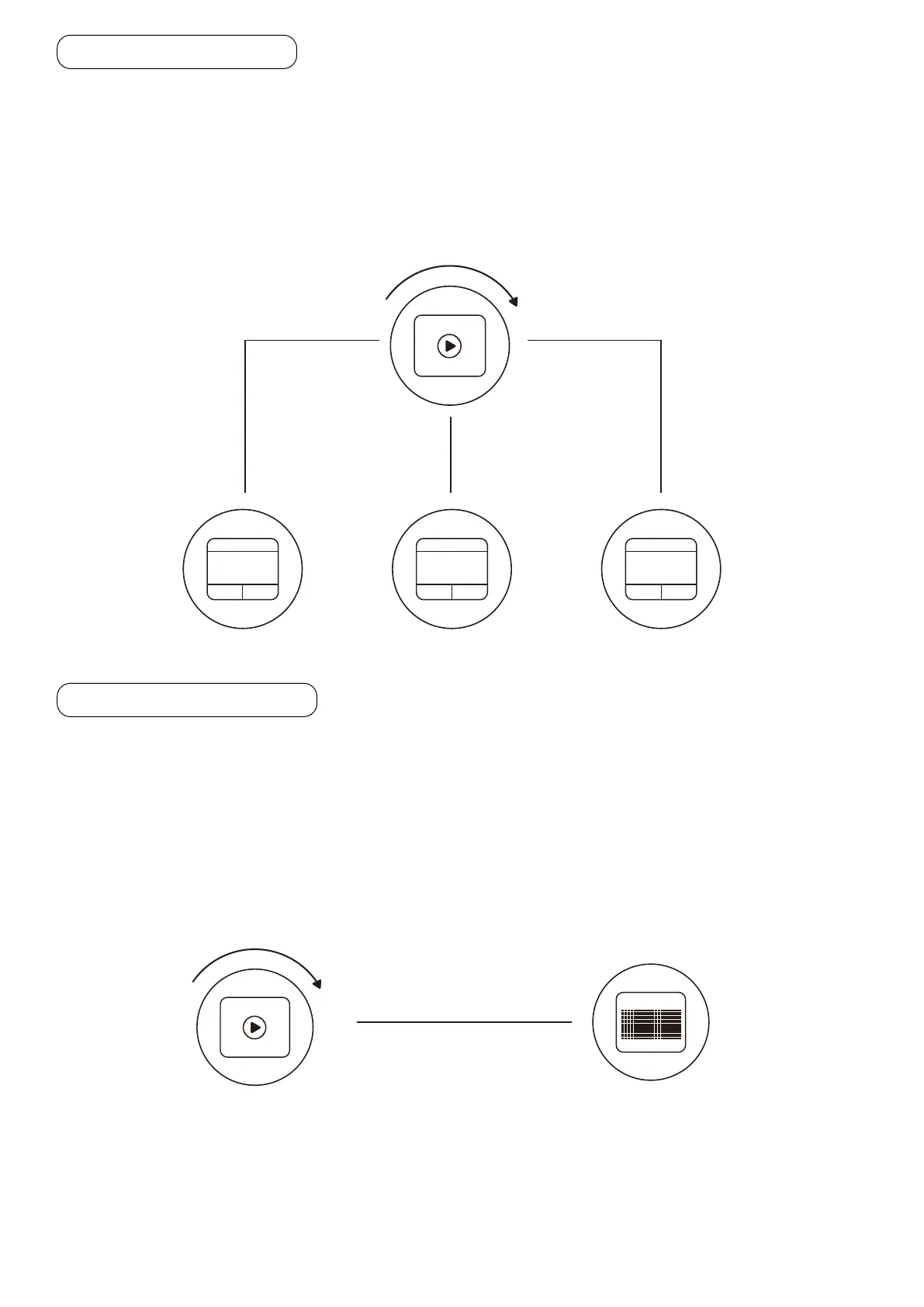
• Press the program selector until PLAY is displayed. Press the program selector.
- The display will show a countdown „3-2-1“ and the treadmill will begin to move at a speed of 1 km/h.
• Turn the program selector clockwise in the „+“ direction to increase the speed.
7.4 PROGRAM MODE
This mode allows you to select from 20 programs preset in the machine.
• Press the program selector until PROG is displayed. Press the program selector.
• Press the program selector again.
- Numbers from 1-20 will appear in sequence for the different programs.
• Press the program selector to start the selected program.
• Press and hold the program selector for a few seconds to preselect a time from 5 - 99 minutes for the
program duration. The default time for the programs is 30 minutes.
The following pages provide an overview of the different programs.
11 BPM1.0KPH
0:01
TIME
11 BPM1.0KPH
0.01
DISTANCE
11 BPM1.0KPH
0.2
CALORIES
QUICK START
-- BPM
PROGRAM 1
30:00
QUICK START
-- BPM


 To Next Page