SPRIANO® TECHNOLOGIES - www.spriano.it – spriano@terranova-instruments.com
a TERRANOVA® Srl brand - www.terranova-instruments.com - VAT IT07848810151
Factory & Sales: Via Gramsci 1 – 26827 Terranova dei Passerini (LO) – Italy
Head Office: Via Rosso Medardo 16 – 20159 Milano – Italy Ph: +39 0377 919119 – Fax: +39 0377 855720
It will be possible to display one of the following variables on the screen:
4.5 KEYBOARD CONFIGURATION
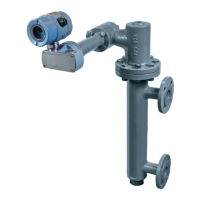
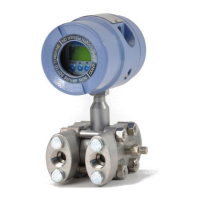
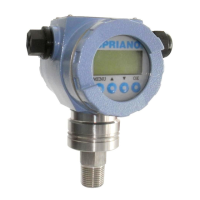
The electronic transmitters have some configuration functions available via keyboard and LCD
display, provided with the transmitters themselves.
Press the [MENU] button to enter the password entering dialog (the default password is
0000). Confirm by [OK] to enter the configuration menu.
The display will allow to choose from the different functions described in the table below.
Use the and buttons to show the sequence of the available functions and press [OK] to
confirm the selected function.
When the display is in numerical entering mode, the cursor will blink.
To move the cursor press the button; to raise the value of the digit press the button.
Press the [OK] button to confirm; use instead the [MENU] button to cancel the modifications
and to go back to the standard display.
Indicates and allows you
to manually enter the
initial value of the
interval (the value
corresponding to the 4
mA output). The unit of
measurement is
displayed at the bottom
right of the screen.
Between the
sensor limits



 To Next Page